Front Panel Components
Hardware Setup
9
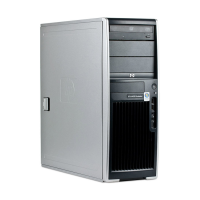
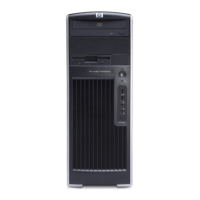
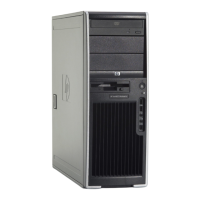
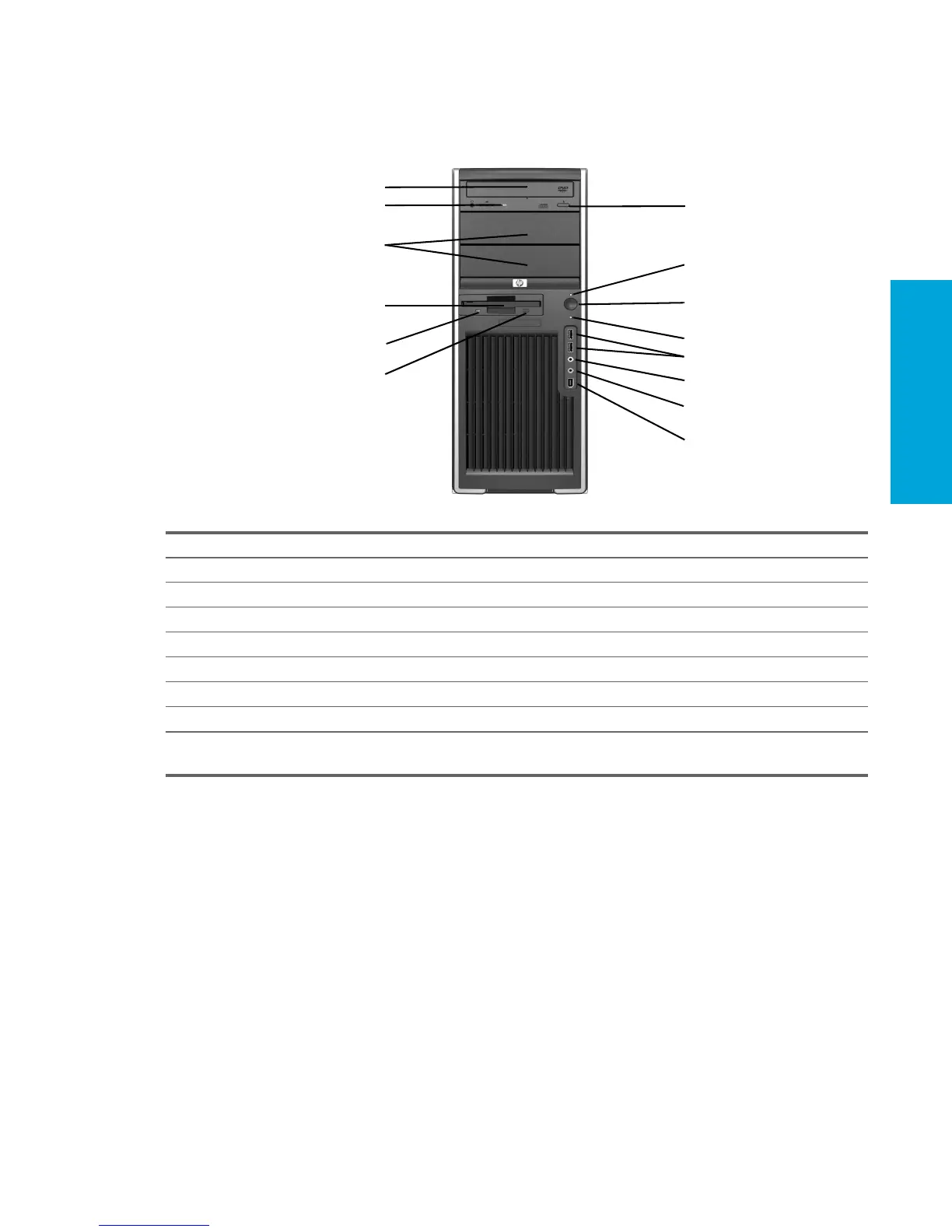
2.2 Front Panel Components
2.2.1 HP xw4200 Workstation and HP xw4300 Workstation Front Panel
Components
Table 2-1 HP xw4200 Workstation and HP xw4300 Workstation Front Panel Components
Item Description Item Description
1 Optical Drive* 8 Power On Light
2 Optical Drive Activity Lights 9 Power Button
3 5.25-Inch Drive Bays 10 Hard Drive Activity Light
4 Diskette Drive (optional) 11 USB 2.0 (Universal Serial Bus) Ports
5 Diskette Drive Activity Light 12 Headphone Connector
6 Diskette Eject Button 13 Microphone Connector
7 Optical Drive Eject Button 14 IEEE-1394a Connector**
NOTE: * An optical drive is a CD-ROM, CD-R/RW, DVD-ROM, DVD±R/RW, or CD-RW/DVD combo drive.
NOTE: ** IEEE-1394a is an optional feature. If the unit was purchased without this option, this connector will be covered.
1
2
3
4
5
6
7
8
9
10
11
12
14
13


 To Next Page
 Loading...