EasyManua.ls Logo

HPRT D35 - Operation Panel; Button Operation; Power off; Indicator

HPRT D35
50 pages
Print Icon
To Next Page IconTo Next Page
To Previous Page IconTo Previous Page
Loading...
D35 User Manual
Rev1.0
12
3.4 Operation Panel
3.4.1 Button Operation
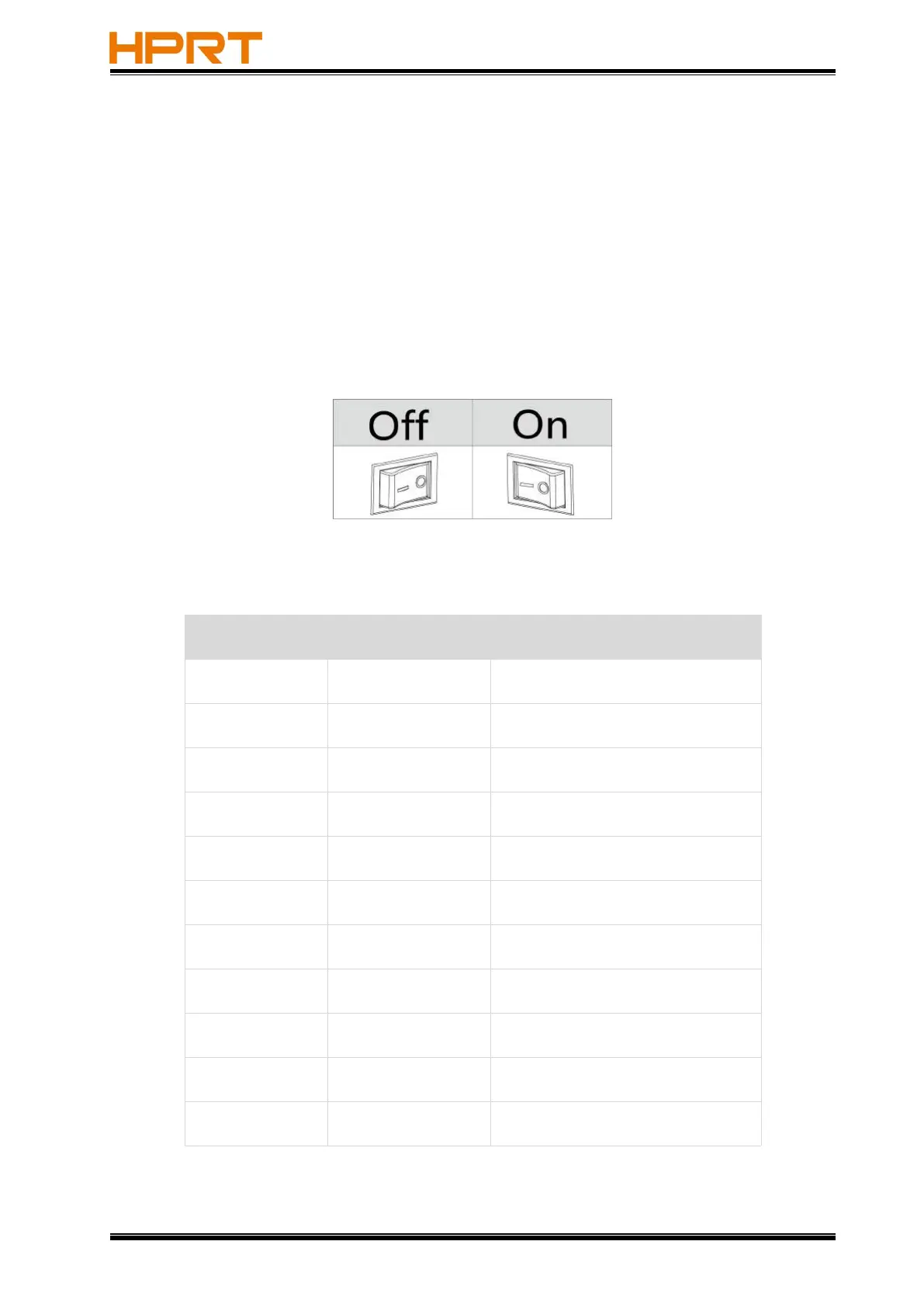
Power On
When power off, turn on the power switch at the back of printer, then the indicator will light
on.
Power Off
When power on, turn off the power switch at the back of printer, then the indicator will light
off.
3.4.2 Indicator
Color
Action
Indication State
Blue
Always On
Printer is ready
Blue
Flash Slowly
Dump mode
Purple
Always On
The print head is hot
Red
Always On
The upper cover is not closed
Red
Flash Slowly
Out of paper
Red
Flash Rapidly
Abnormal label learning
Orange
Always On
Printer is not ready
Orange
Flash Slowly
Paper jam,off label,abnormal label
position
Green
Always On
Printing
Green
Flash Slowly
Printing is paused
Green
Flash Slowly
Receiving data

Related product manuals