D35 User Manual
Rev:1.0
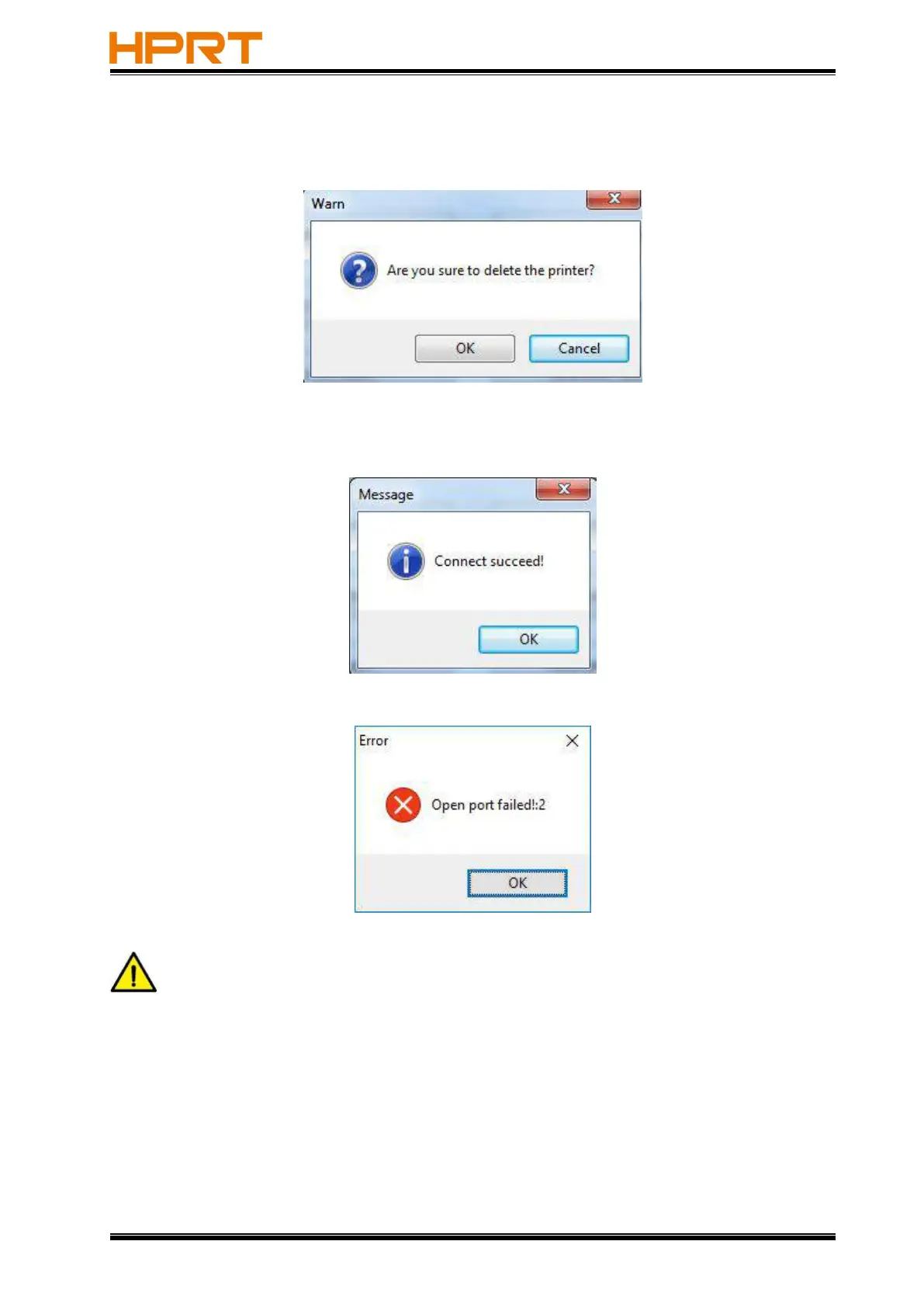
●Click “Delete Printer”. Click “OK” to delete the printer and The deleted printers are not
displayed in ”Printer List”.
●Click “Connect Test” to test whether the connection is successful or not.
If connection succeeds, it shows as follows.
If connection fails, it shows as follows.
Note
:
1.Connect printer to power first, then choose one port (depended on the printer
you bought) to connect to the PC. Much more information of connecting method is contained
in “3.3 Peripherals Connection”.
2.When connection fails, please check the connection and whether it matches or not. (When
USB port is used, it is better to connect one printer only.)



 To Next Page