QUICKLAN 6055
EN - 6
5. OPERATING INSTRUCTIONS
5.1. CABLING TEST VERIFY
The wire mapping of RJ45 LAN cables is tested in accordance with its defined cabling
layout. To test a cable perform the below steps:
1. Switch on the instrument by pushing the ON/OFF key
2. Select the type of cable UTP or STP under test (see § 4.3.2).
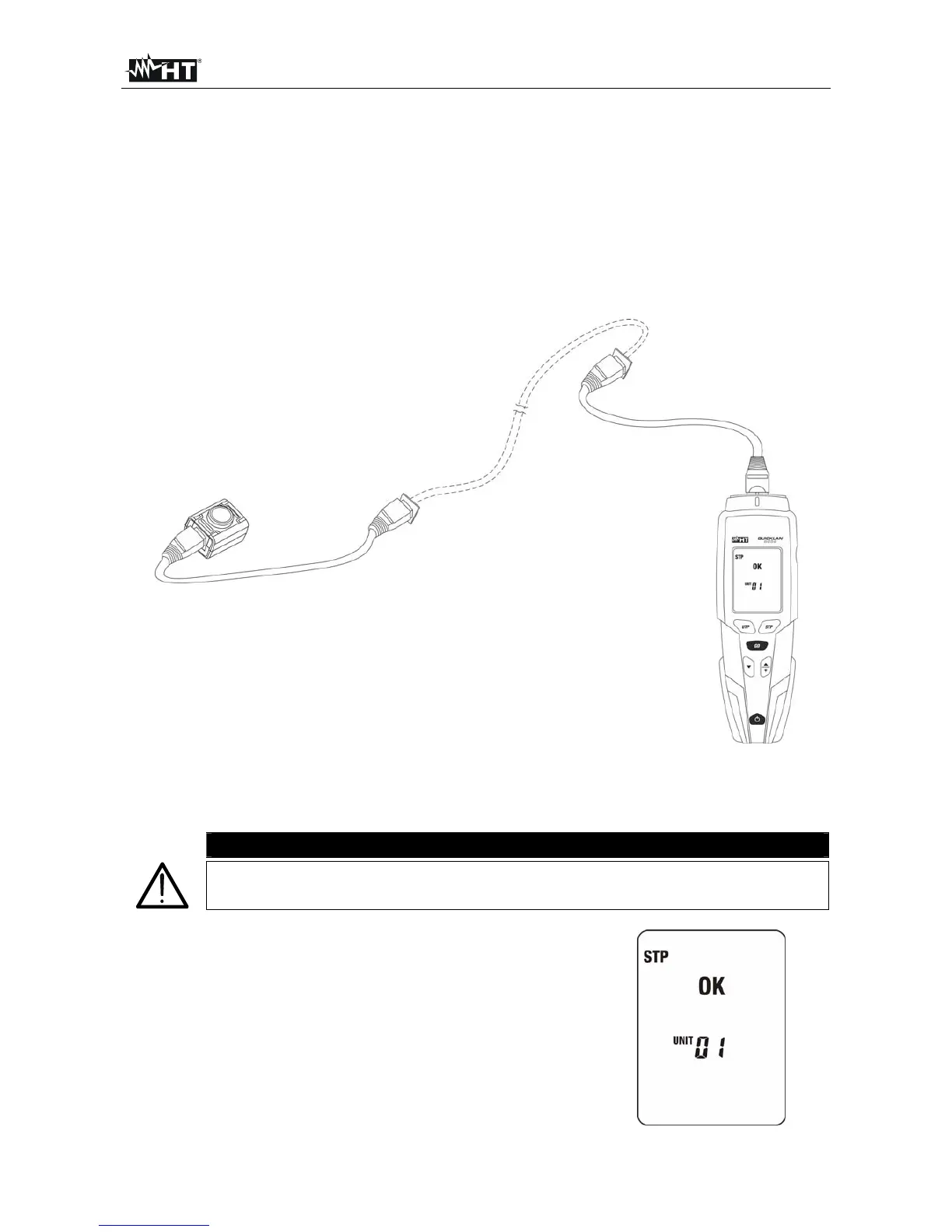
3. Connect the cable under test to the meter and to the remote unit by using if necessary
through supplied patch cables (see Fig. 4)
Fig. 4: Instrument connection
4. Press GO key. The message “MEASURING…” is shown and the instrument performs
all tests related to the selected type of cable
CAUTION
The remote unit must be necessarily connected otherwise no
measurement is performed
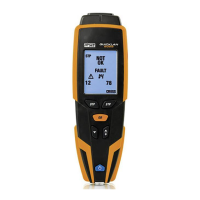
5. If cabling is correct, a screen like this is displayed
(OK). The identification number refers to the remote
identifier connected to the other end of the cable
being tested.


 To Next Page