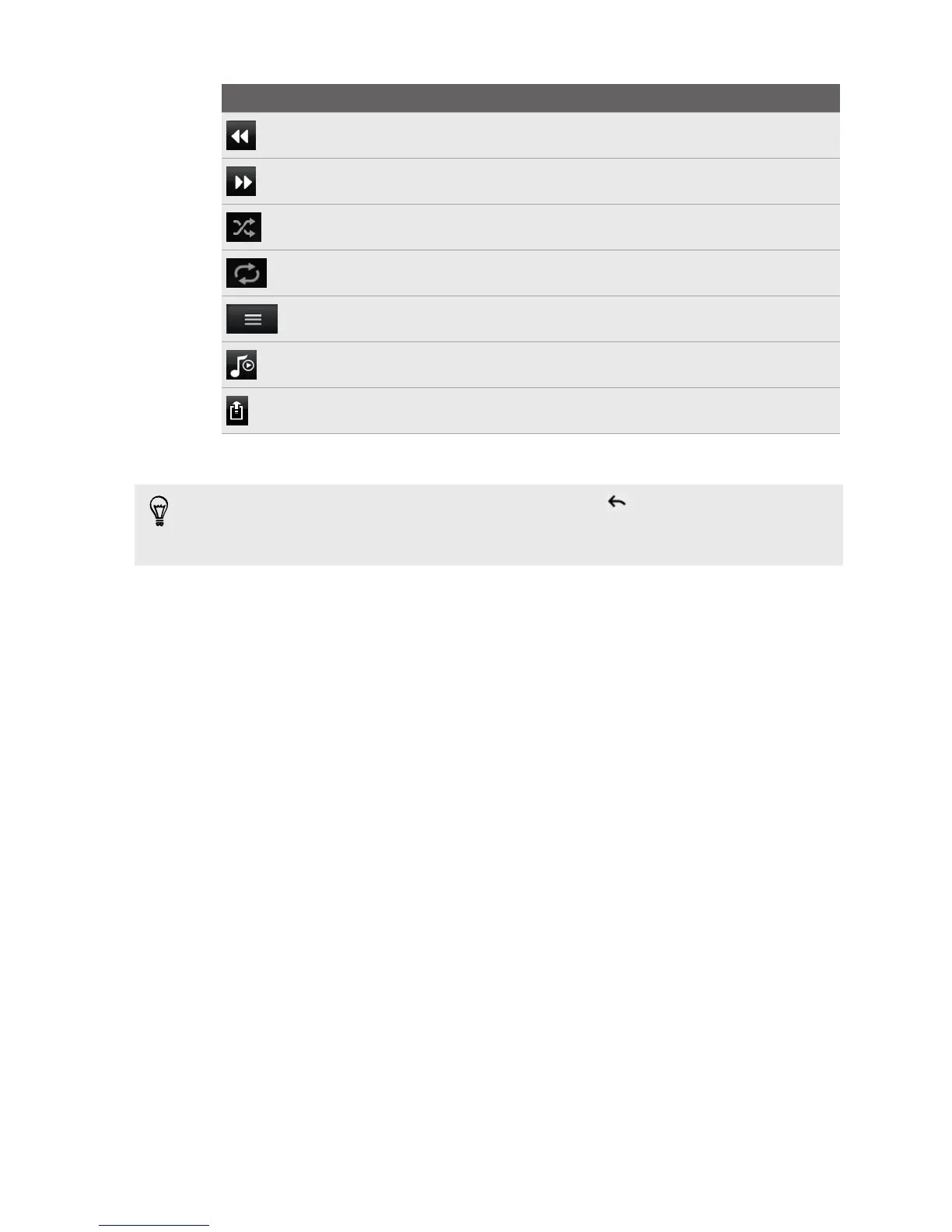
Controls To
Play the previous photo or music track.
Play the next photo or music track.
Shuffle your music playlist.
Select a repeat mode for photos or music tracks.
Show available media that you can share.
When playing music, tap to switch to the Now playing list.
Connect to another player on the network.
While playing media on another device, you can press and do other things on
HTC Amaze 4G. To return to the Controller screen, slide open the Notifications
panel, and then tap the device you’re connected to.
90 Photos, videos, and music


 To Next Page