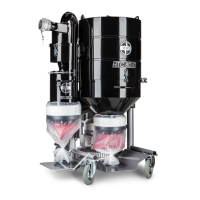
Machine description HTC GL 40 D
10 2.0
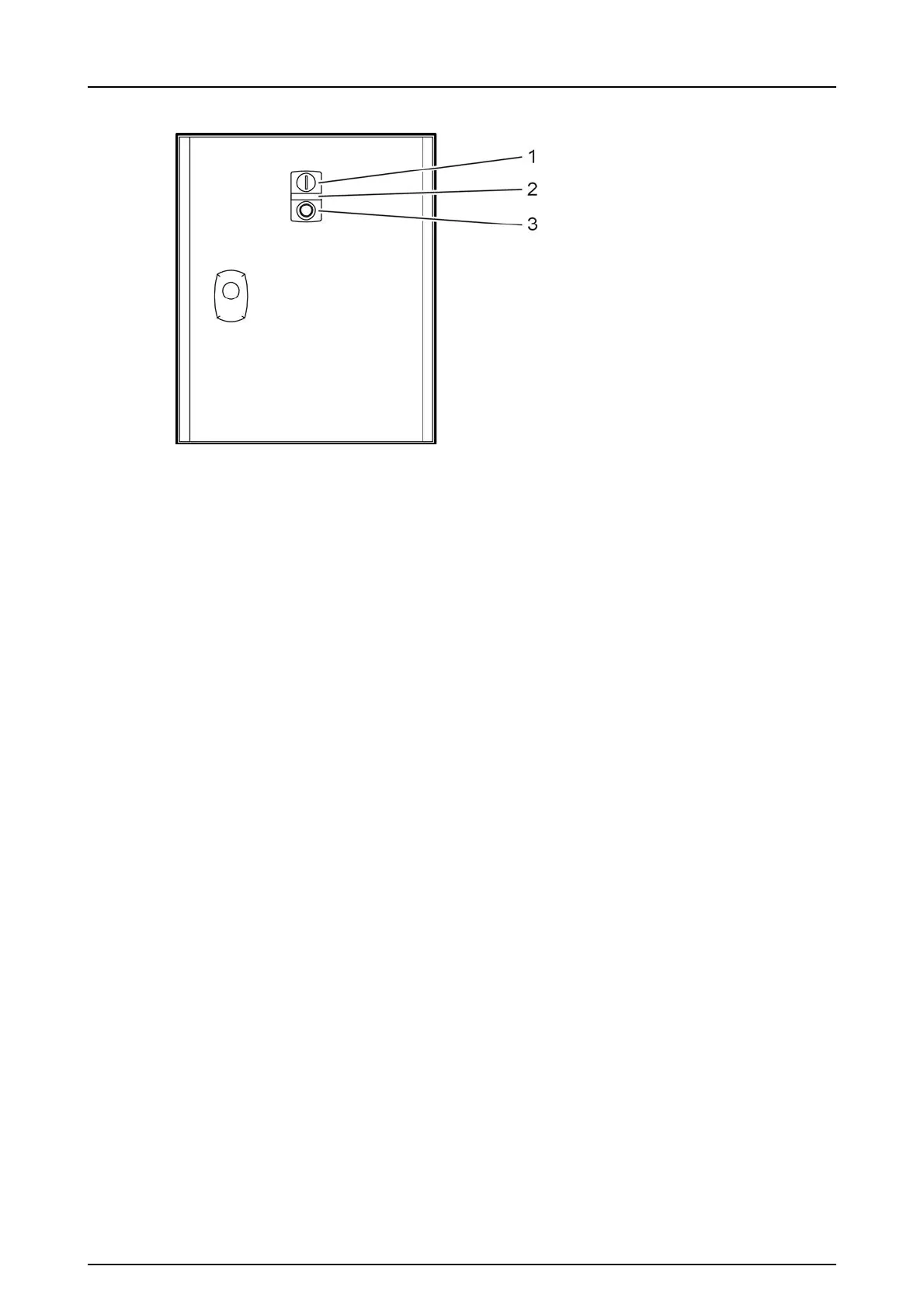
Figure 3-3. Keypad
1. I (ON)- Start the dust extractor: Press the button to start the dust extractor.
2. LED Light- Tripped motor protection: When the light is illuminated, the dust
extractor's motor protection has tripped. To reset the motor protection, see
Resetting the motor protection, page22.
3. O (OFF)- Switch off the dust separator: Press the button to switch off the dust
extractor.


 To Next Page