UFocus
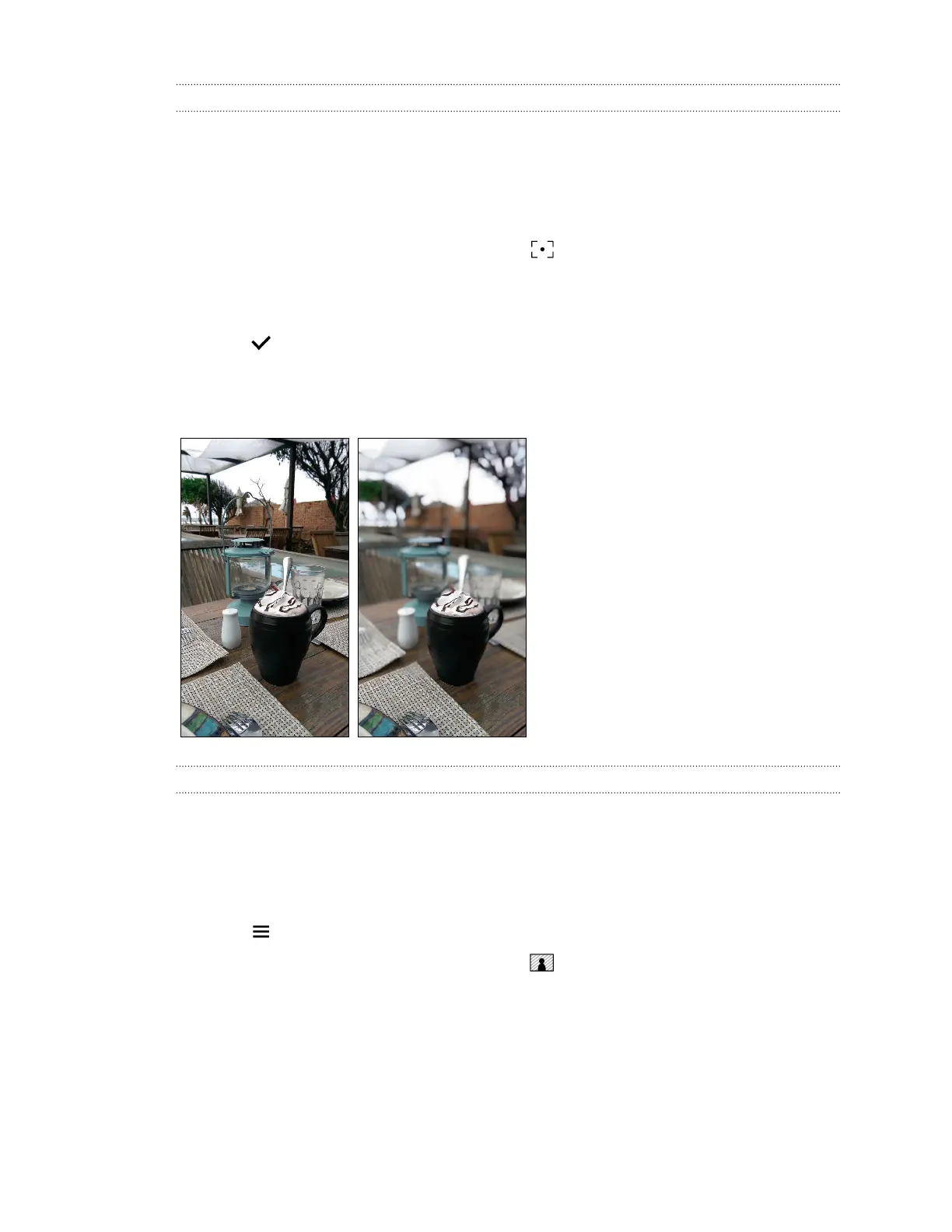
It's easy to change the focus in a photo taken with the Duo Camera. With UFocus you can create
different versions of the same moment, anytime.
1. From Photo Editor, choose the photo you want to edit.
See Choosing a photo to edit on page 87 to find out how.
2. In the slideout menu that opens, tap Effects > .
3. Tap anywhere on the photo to focus on objects in the same relative distance.
4. Drag the slider to adjust the intensity of the effect.
5. Tap to save changes.
The edited photo is saved as a new photo. The original photo remains unedited.
Here are examples of before and after photos.
Foregrounder
Give your photos an artistic touch such as applying a pencil sketch look to the image. You can apply
this effect to photos that were taken with the Duo Camera.
1. From Photo Editor, choose the photo you want to edit.
See Choosing a photo to edit on page 87 to find out how.
2. Tap to open the slideout menu.
3. In the slideout menu that opens, tap Effects > .
92 Photo Editor



 To Next Page