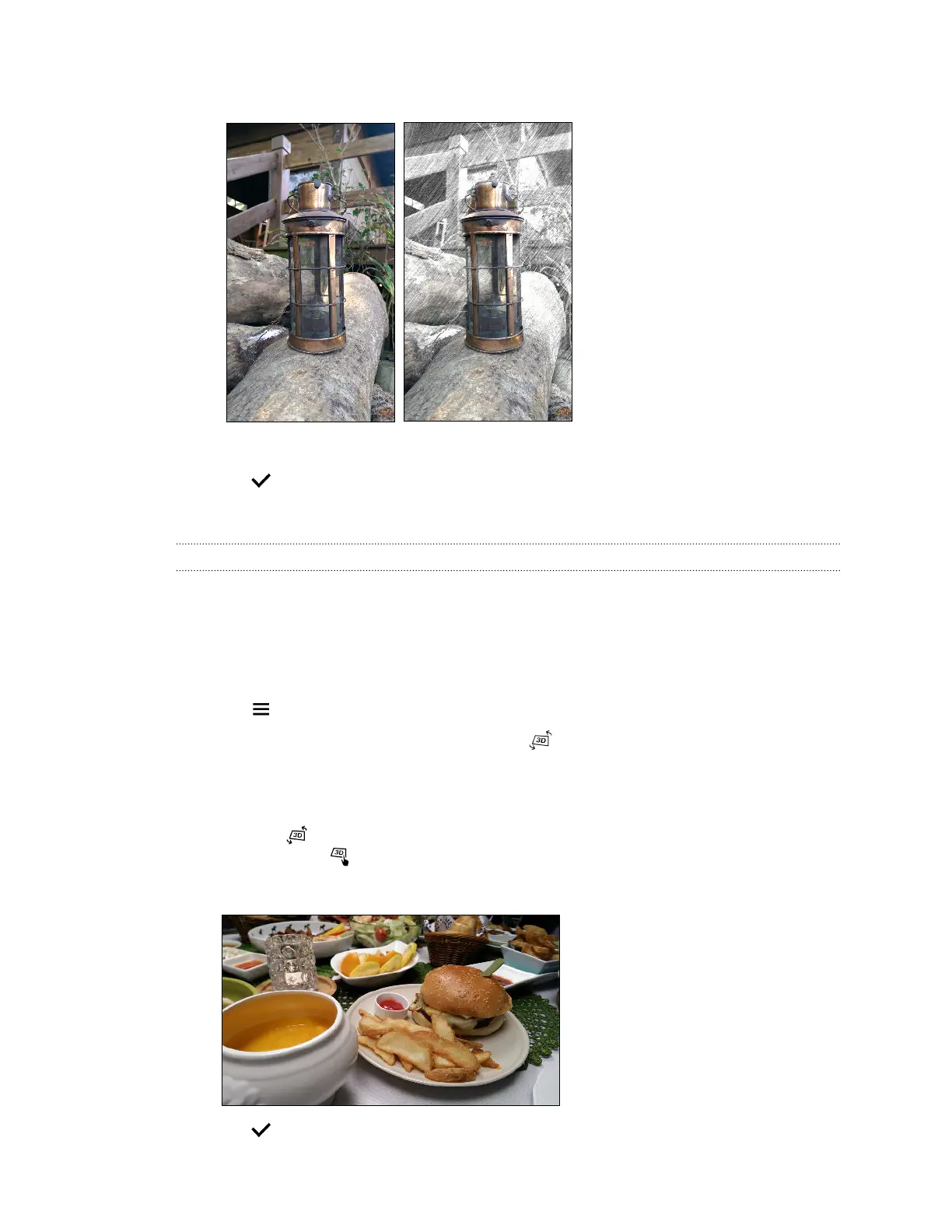
4. Tap a thumbnail to apply the effect.
5. Tap anywhere on the screen to change where the effect is applied.
6. Tap to save changes.
The edited photo is saved as a new photo. The original photo remains unedited.
Dimension Plus
With Dimension Plus, you can make photos appear to be in 3D. You can apply this effect to photos
that were taken with the Duo Camera.
1. From Photo Editor, choose the photo you want to edit.
See Choosing a photo to edit on page 87 to find out how.
2. Tap to open the slideout menu.
3. In the slideout menu that opens, tap Effects > .
4. Try any of the following:
§ Tilt HTC One (M8) to see the photo from different angles.
§ Tap at the bottom-left corner and then drag your finger on the screen to change the
angle. Tap to return to tilt mode.
Here's a sample photo with the effect applied:
5. Tap to save the photo, and then choose how to save it.
93 Photo Editor



 To Next Page