Internet 161
To delete a video from Bookmarks
1. On the Bookmarks screen, tap Edit.
2. Tap on the video you want to remove from Bookmarks.
3. On the confirmation screen, tap Yes.
4. Tap Done.
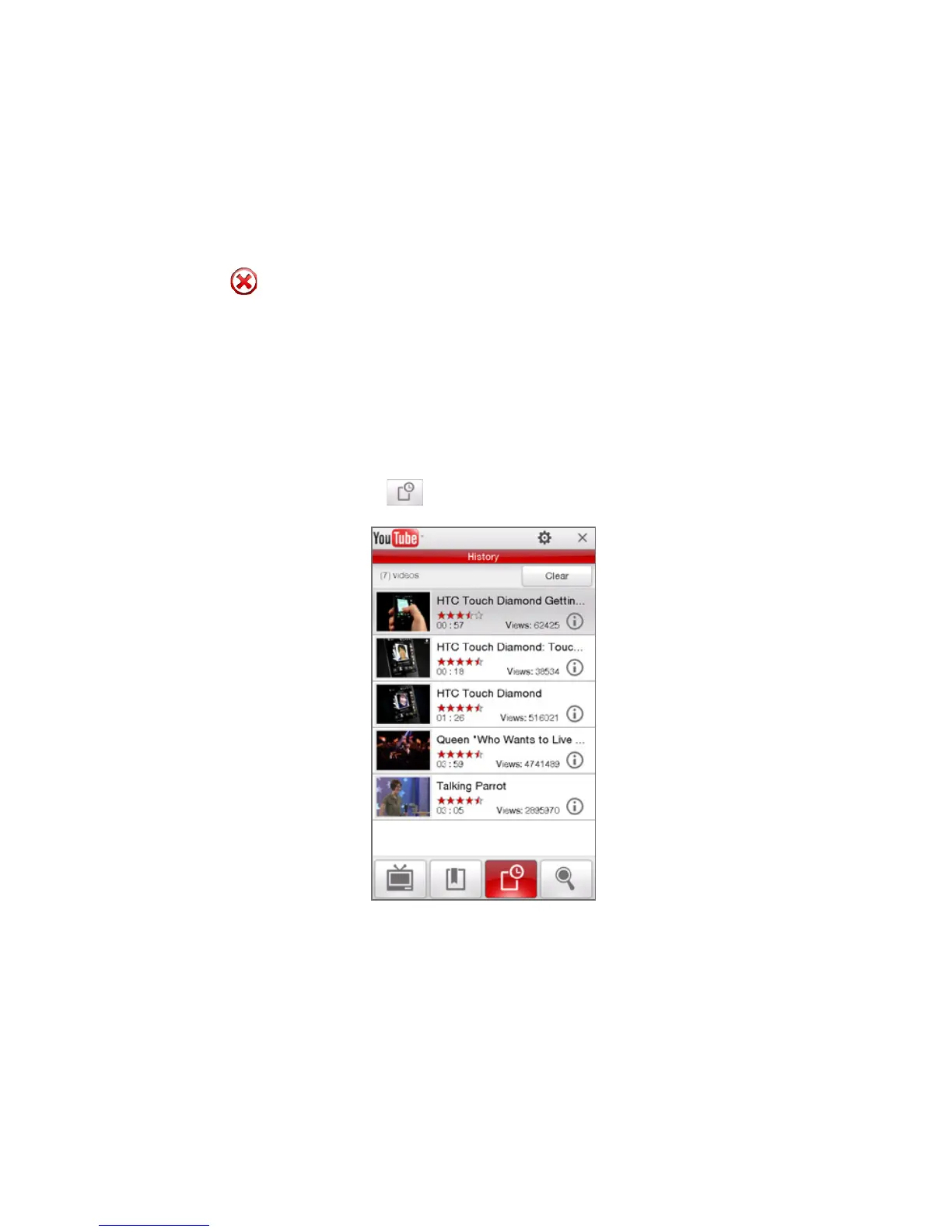
History
View recently watched videos on the History screen.
To view History
On the YouTube screen, tap . Tap a video to watch it.
Note To clear the History list, tap Clear.



 To Next Page