9 SUN2000 Disposal
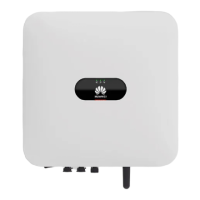
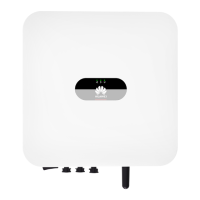
9.1 Removing a SUN2000
Procedure
Step 1 Power
o the SUN2000. For details, see 8.1 System Power-O.
Step 2 Disconnect all cables from the SUN2000, including signal cables, DC input power
cables, battery cables, AC output power cables, and PE cables.
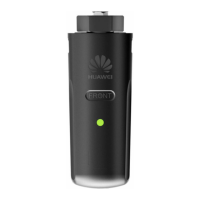
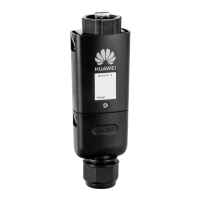
Step 3 Remove the WLAN antenna or the Smart Dongle from the SUN2000.
Step 4 Remove the SUN2000 from the mounting bracket.
Step 5 Remove the mounting bracket.
----End
9.2 Packing a SUN2000
● If the original packaging is available, put the SUN2000 inside it and then seal
it using adhesive tape.
● If the original packaging is unavailable, put the SUN2000 inside a suitable
hard carton and seal it properly.
9.3 Disposing a SUN2000
If the SUN2000 service life expires, dispose the SUN2000 according to the local
disposal rules for electrical equipment and electronic component waste.
SUN2000-(2KTL-6KTL)-L1
User Manual 9 SUN2000 Disposal
Issue 10 (2023-02-13) Copyright © Huawei Technologies Co., Ltd. 103



 To Next Page