8 System Maintenance
● Wear insulated gloves and use insulated tools to prevent electric shocks or
short circuits.
● Before performing maintenance, power o the equipment, follow the
instructions on the delayed discharge label, and wait for a period of time as
specied to ensure that the equipment is not energized.
8.1 System Power-O
Precautions
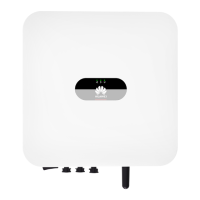
After the SUN2000 powers o, the remaining electricity and heat may still cause
electric shocks and body burns. Therefore, put on insulated gloves and begin
operating the SUN2000
ve minutes after the power-o.
Procedure
Step 1 Send a shutdown command on the App.
Step 2 Turn o the AC switch between the SUN2000 and the power grid.
Step 3 Turn o the DC switch at the bottom of the SUN2000.
Step 4 (Optional) Install the locking screw for the DC switch.
SUN2000-(2KTL-6KTL)-L1
User Manual 8 System Maintenance
Issue 10 (2023-02-13) Copyright © Huawei Technologies Co., Ltd. 88



 To Next Page