7. Check Vodafone network status page as it displays whether there is any outage
in your region or not. URL is added below
https://www.vodafone.co.nz/help/network-status/
SITUATIONS WHERE YOUR INTERNET CONNECTION IS SLOW.
1. Follow the above steps of turning modem off including removal of SIM card and
unscrewing and screwing of antenna cables.
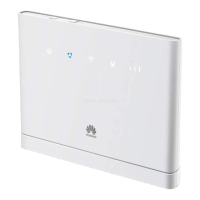
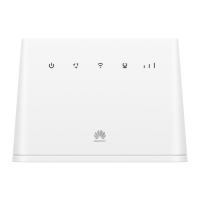
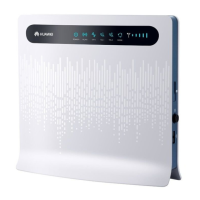
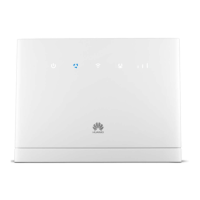
2. Log IN into the modem using IP address 192.168.1.1 (B315) or 192.168.8.1
(B525).
3. Click Home


 To Next Page