56
UK
Connecting your 4G router
1
Insert your SIM card
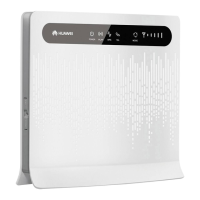
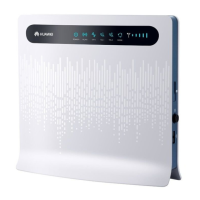
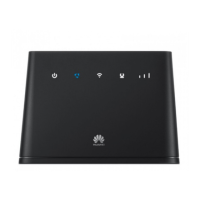
The SIM card slot is on the side of the router.
2
Connect the antennas
Using external antennas will improve your connection to the mobile net-
work, but they are not essential for the 4G router to function. In some
countries antennas are included. If they are not, consult your operator
for recommendations on which antennas to buy.
3
Start the router
Connect the router to a power socket and turn it on by pressing the on/
off button.
4
Connect your computer to the router
On the back of the router is a label with information that you will need.
Make sure Wireless Network is activated on your computer.
a) Your computer will discover any available wireless networks. Select
your network name (WLAN – Name) from the list which is displayed
where you select a network connection.
b) When prompted, enter your security key (WLAN – Key).
c) You are done when you can see on your computer that you are
connected to a wireless network.



 To Next Page