3
Step 4: Place the device.
To prevent electrical devices from being
interfered by wireless signals, place
electrical devices one meter away from the
device.
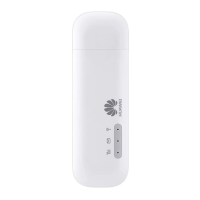
Do not put the data card in the slot and
please turn the USB interface connected
with the data card upright when the device
is running.
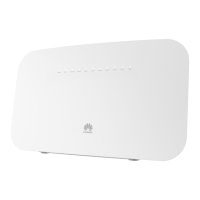
The device can be placed horizontally or vertically on a
table. Place the device on a higher place or near the
window, so it can receive stronger signals.
Step 5: Power On/Off.
Press the Power key to switch on the device; press and
hold the Power key to switch off the device.
By default, the device dials up to access the Internet as
required. You can directly use the network services such
as web browsing, and receiving or sending emails.
Make sure that the data card is connected to the
device, or else you cannot use the Internet service
and some management pages are unavailable.
Logging In to the Management Page
Start the Internet browser and enter the address
http://192.168.1.1 in the address bar.
Enter the Account and Password, and then click Apply.
The default value is admin.
To avoid the configuration conflict, only one user is
allowed to log in to the management page at a
time.



 To Next Page