19
Viewing Service Information
Visit http://192.168.1.1 to view your service information.
Restoring Factory Defaults
If you are uncertain of which settings you have configured or changed, you can restore the
factory defaults that come with the LTE Mobile WiFi Smart, and reconfigure the device.
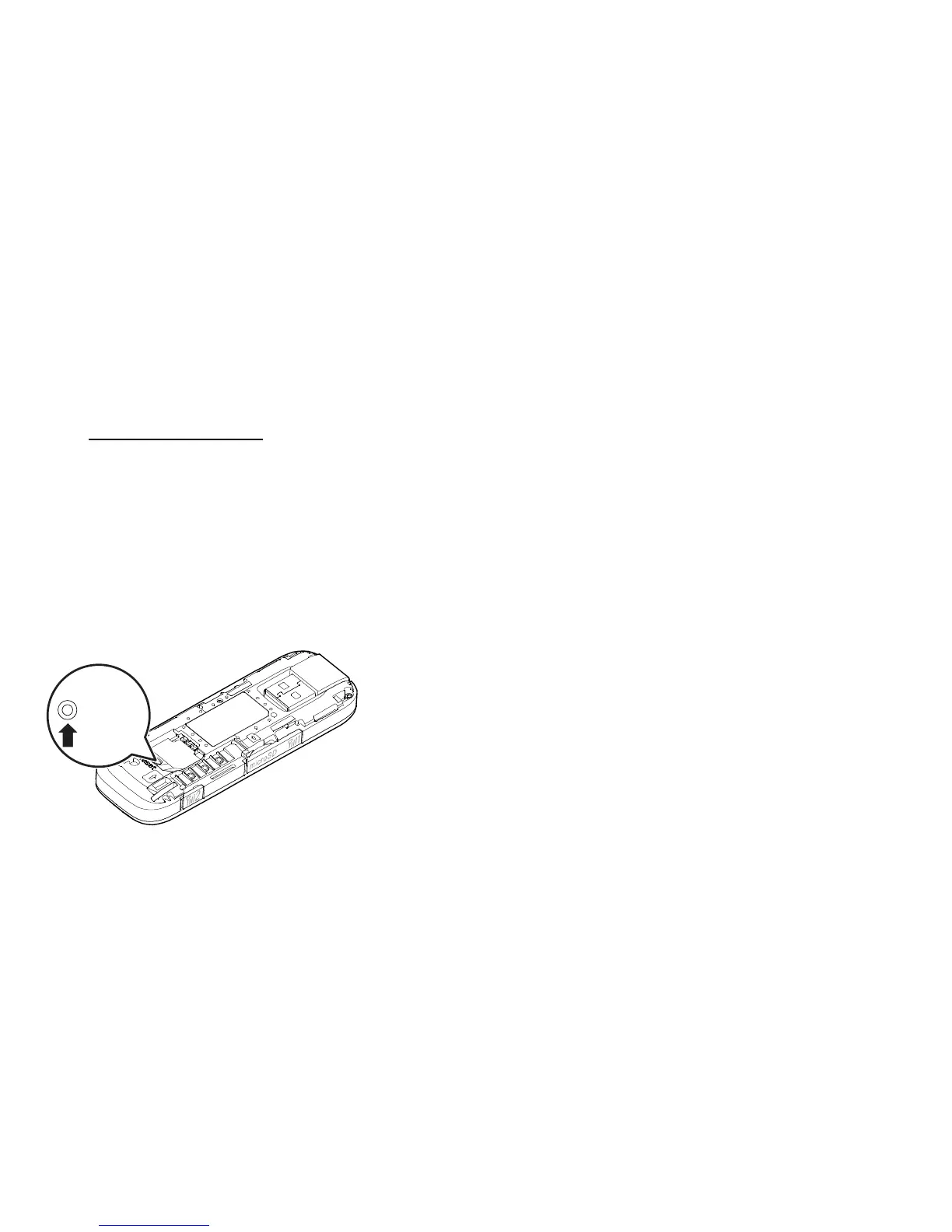
To restore the factory defaults, connect the LTE Mobile WiFi Smart to a computer or a power
outlet, and press and hold the RESET button for 5 seconds.
Reset


 To Next Page