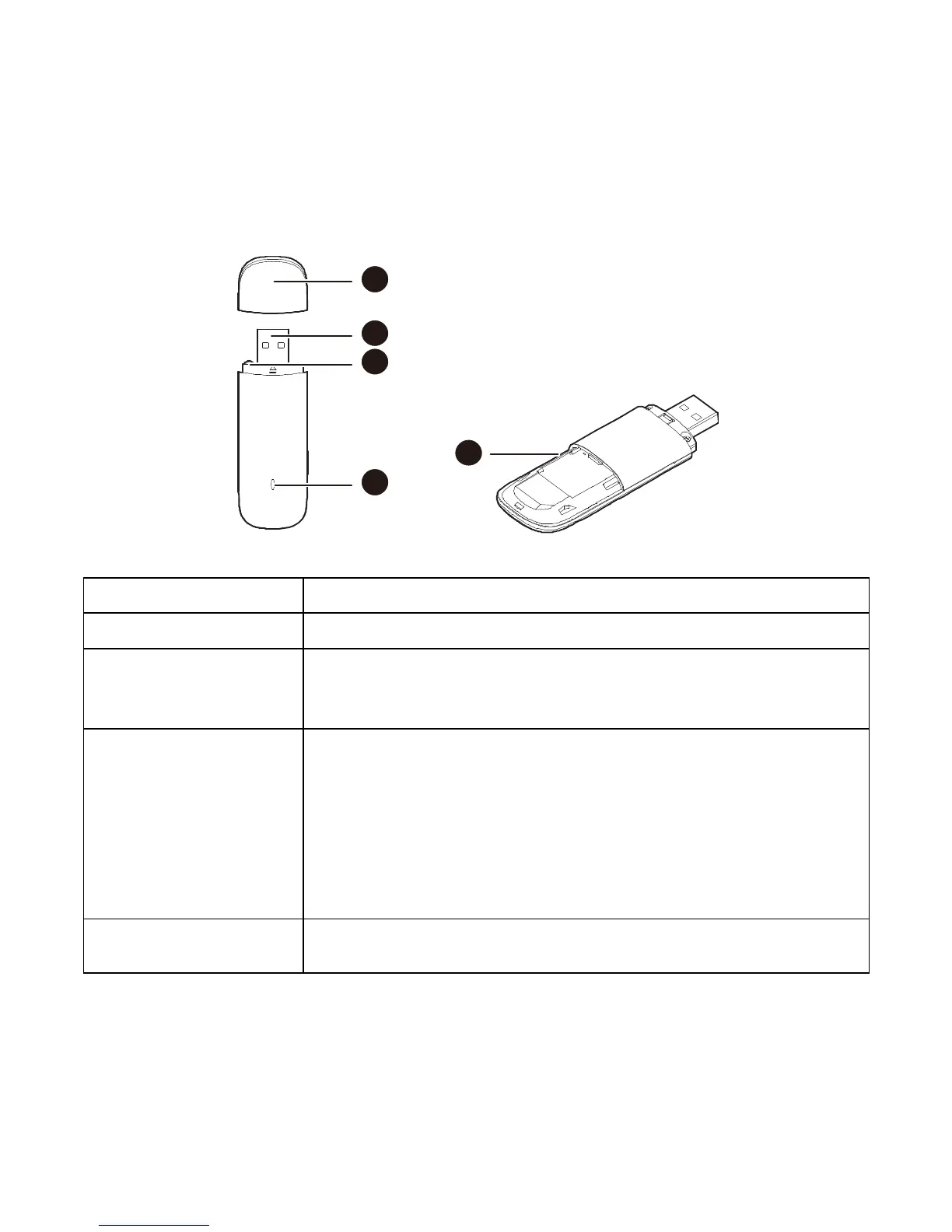
3. EC156 Appearance
Please find below the description that you need to know to start using your device.
It connects the device to your PC.
You can tie the cap and the USB Stick together by
threading a strap through the strap holes, so that the
cap will not be easily lost.
Solid: Device is powered on.
Blinking once every 2 seconds: Device is searching
for a network or no network is found.
Blinking twice every 2 seconds: Device finds a
network.
Blinking once every 0.2 second: Device is
transmitting data.
To install a microSD slot and use it as a data storage
device



 To Next Page