7
No. Item Description
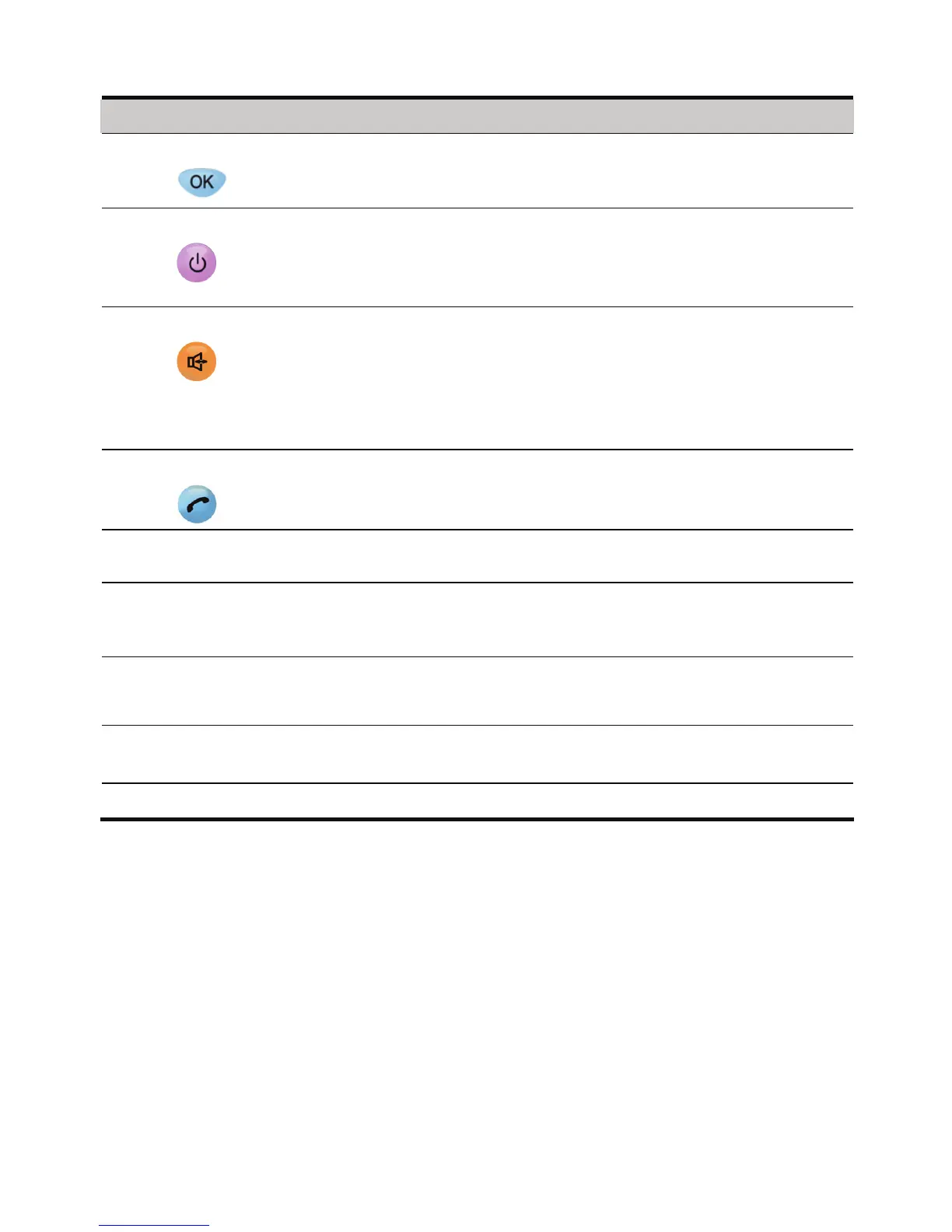
6 OK key
z In the standby mode, press it to access the home screen.
z In the non-standby mode, press it to perform the operation
displayed on the lower left corner of the display screen.
7 End key
z Press it to end a call or cancel the dialing.
z Press and hold it to power your FWT on or off.
z In the non-standby mode, press it to return to the standby
mode.
8 Handfree key
z In the standby mode, press it to answer a call without lifting
the handset.
z When dialing a number in the handfree mode, press it to
cancel the dialing.
z During a call in the handfree mode, press it to end the current
call.
9 Call/Redial key
z Press it to make or answer a call.
z In the standby mode, press it to view the Dialed Calls.
10 # key
z In the standby mode, press and hold it to lock the FWT.
z Press it to switch between input methods and so on.
11 * key
z In the standby mode, press and hold it repeatedly to
activate/cancel the quiet profile.
z Press it repeatedly to enter a symbol and so on.
12 Number keys Press 0–9 keys to enter numbers/characters or speed dial a
phone number.
13 Handset
retaining clip
When the FWT is wall-mounted, it is used to fix the handset.
14 Heaver End the current call or other operations.










 To Next Page