9
Icons
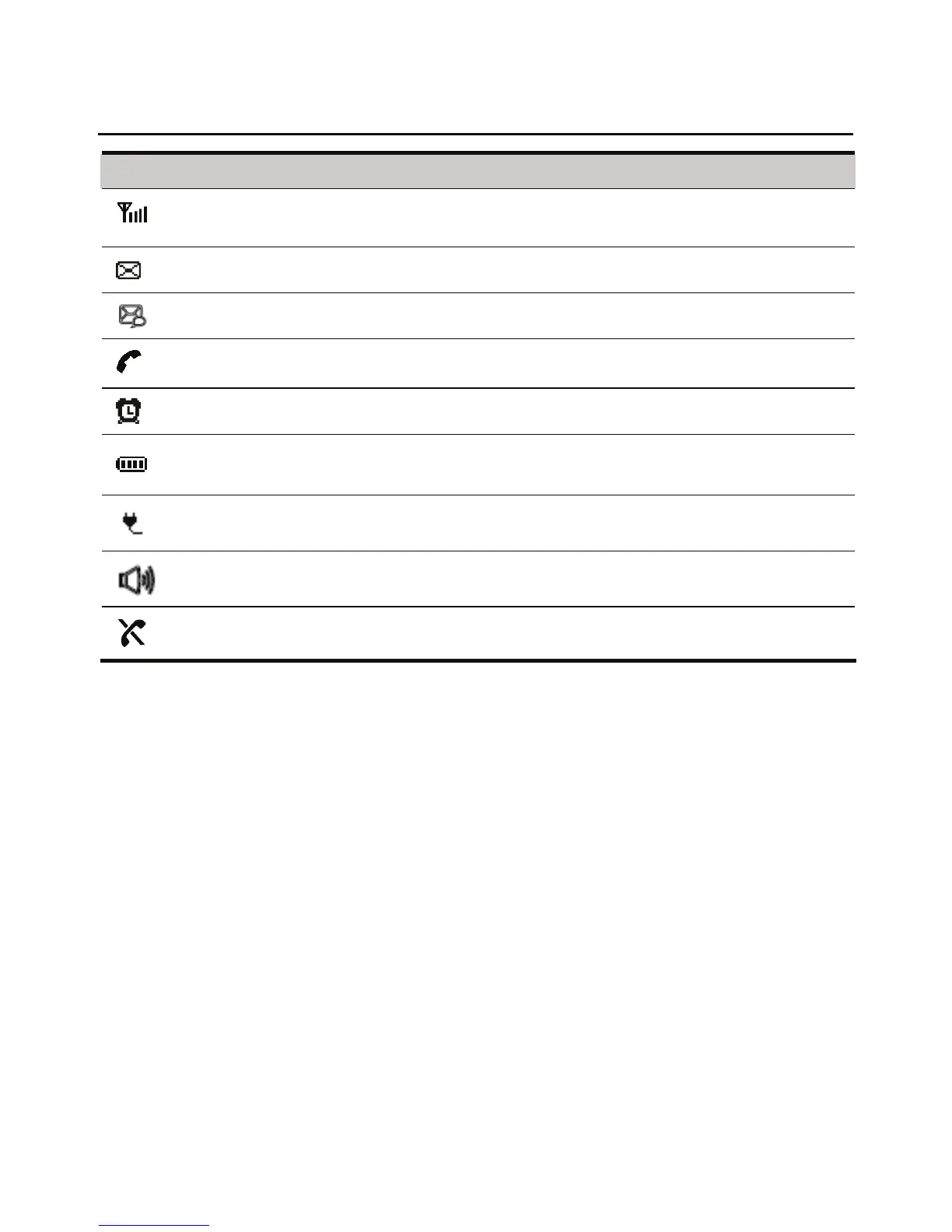
Icon Description
Indicates the signal strength. The more the bars, the stronger the signal
strength.
Indicates that there is a new message.
Indicates that there is a new voice message.
Indicates that there is an outgoing call or an ongoing call.
Indicates that the alarm clock is activated.
Indicates the battery power level. The more the bars, the higher the
power level.
Indicates that the FWT is powered by the power adapter.
Indicates that the FWT is in handfree mode.
Indicates that the network is not available.










 To Next Page