15
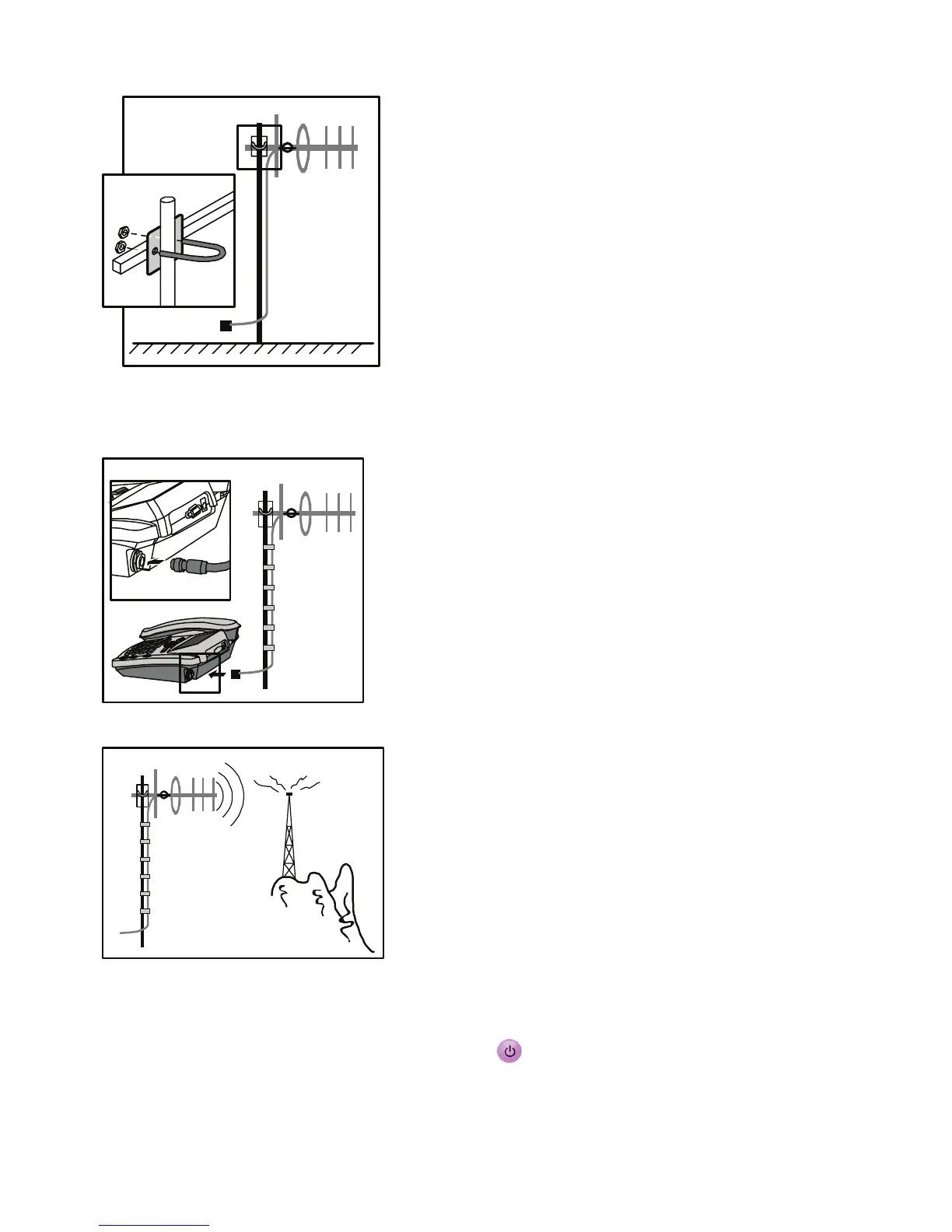
3. To fasten the antenna, use a band to bind the feeder with the mast every one meter.
Make sure that the mast is vertical to the ground.
4. Connect the feeder plug to the antenna jack on the Main unit.
5. Adjust the direction of the antenna for stronger signal strength.
Checking the Signal Strength
1. After installing the antenna, press and hold to power your FWT on. Wait until the
signal strength icon appears or you can hear the dialing tone when you lift the handset.










 To Next Page