8
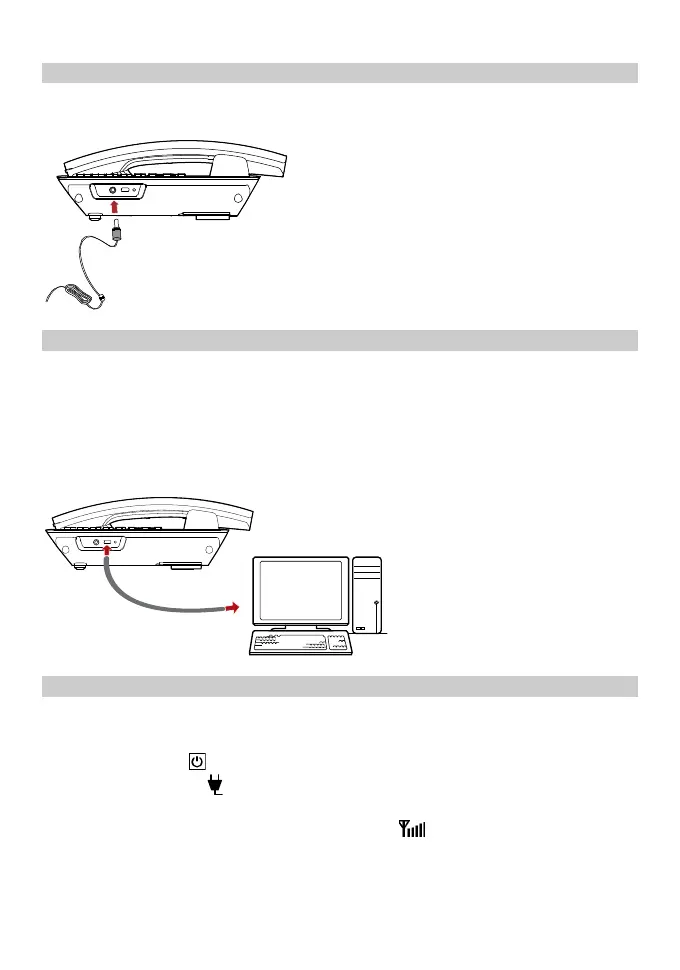
Installing the headset (optional)
The FWT supports headset jack. For the choice of your headset, consult your
service provider.
Connecting the FWT to a PC
Note:
Power off the FWT and then disconnect it from the power adapter before
connecting.
Use the data service suite provided by the manufacturer.
The FWT can be connected to a PC to provide data services. You need to purchase
the data service suite. For details, consult your service provider.
Validating
After installing the FWT, you can make a call to check whether it is correctly
installed.
1. Press and hold
to power on your FWT. After connecting the FWT to the
power socket, the
icon appears, indicating that the FWT is powered
normally.
2. In the standby mode, the signal strength icon
appears normally.
3. Lift the handset. If you are able to make a call, it indicates that the FWT is
installed correctly.



 To Next Page