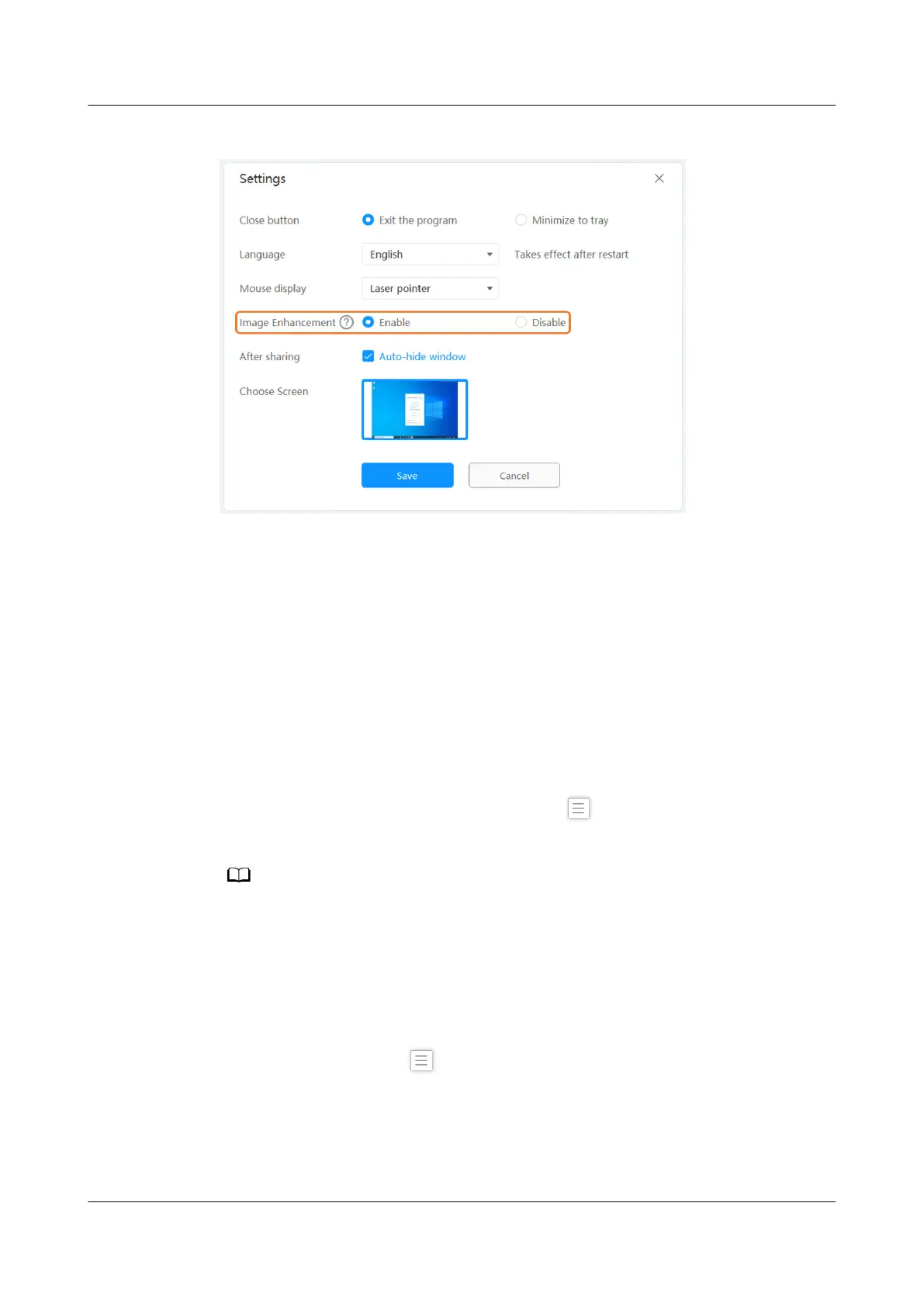
Figure 5-1 Image enhancement
Intelligent Diagnosis
The IdeaShare client provides the intelligent diagnosis function for users and
supports the following diagnosis contents:
● Basic Diagnosis: diagnoses the current operating system version, software
version, network adapter, and graphics card.
● Network Diagnosis: diagnoses the connection between the client and
endpoint and whether Wi-Fi P2P projection is supported, by entering a
projection code.
● Enhanced Diagnosis: diagnoses the availability of enhanced functions, such
as the BYOM.
To use the intelligent diagnosis function, click
in the upper left corner of the
IdeaShare client, click Diagnosis, and select the diagnosis content as required.
The intelligent diagnosis function applies only to 32-bit and 64-bit Windows 7, 8, 8.1, 10,
and 11.
Choose Screen
When a multi-screen device is used for content sharing, you can choose any screen
as the projection source on the IdeaShare client, as shown in Figure 5-2.
To choose a screen, click
in the upper left corner of the IdeaShare client, click
Settings, and choose a projection source next to Choose Screen.
IdeaShare
User Guide 5 More Functions
Issue 01 (2023-03-30) Copyright © Huawei Technologies Co., Ltd. 15



 To Next Page