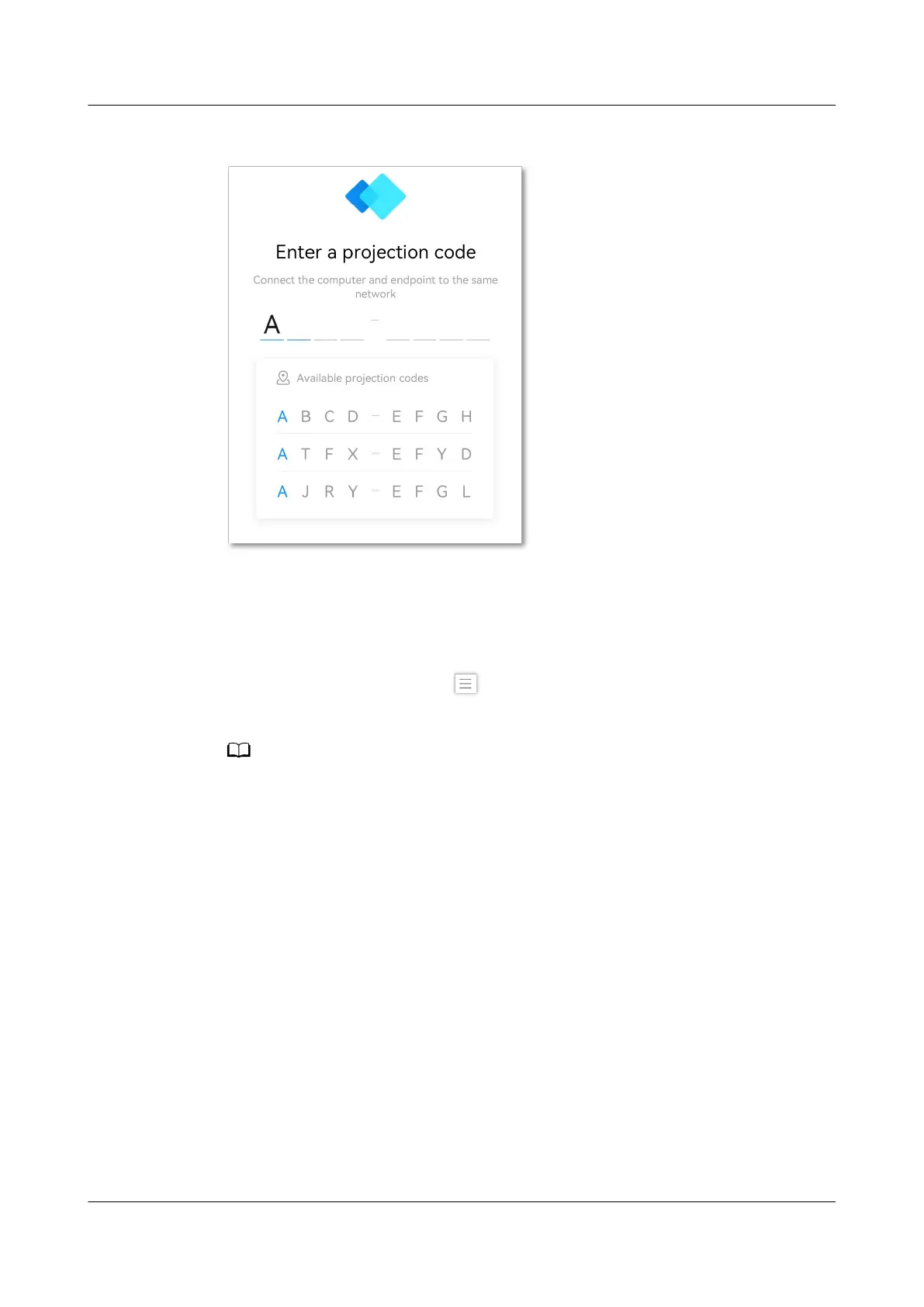
Figure 5-4 Projection code suggestion
Switching the Mouse Style
The IdeaShare client allows you to switch the mouse style to a laser pointer or
cursor during projection, as shown in Figure 5-5.
To switch the mouse style, tap
in the upper left corner of the IdeaShare client
and choose Settings > Mouse display.
The mouse style switching function is applicable to:
● 32-bit or 64-bit Windows 7, 8, 8.1, 10, or 11
● macOS 10.13.6 or later
IdeaShare
User Guide 5 More Functions
Issue 01 (2023-03-30) Copyright © Huawei Technologies Co., Ltd. 18



 To Next Page