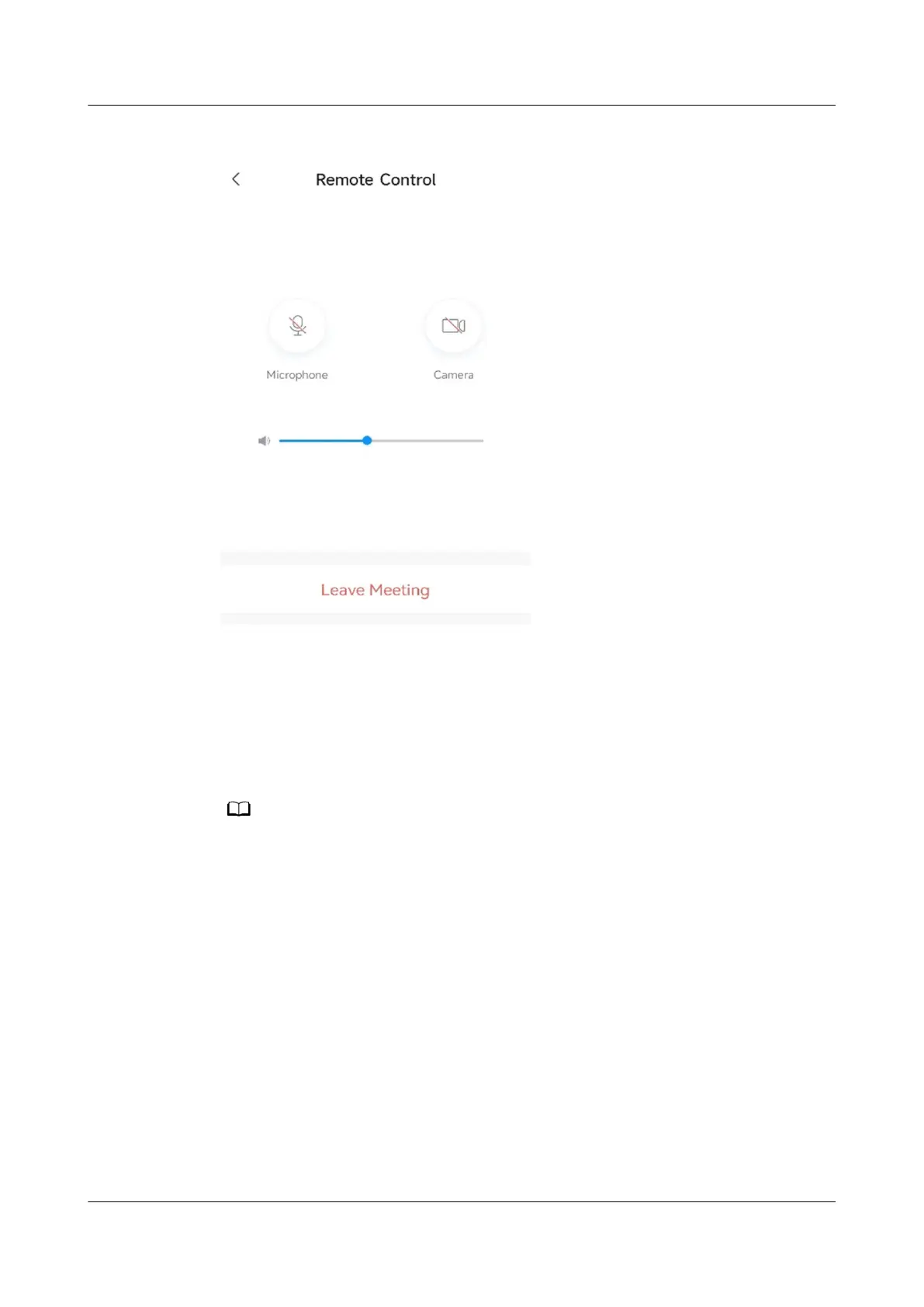
Figure 5-3 Remote Control
Projection Code Suggestions
Enter the projection code of an endpoint, as shown in Figure 5-4. IdeaShare will
automatically suggest available projection codes nearby.
For the
rst connection using a suggested projection code, you need to conrm
the connection on the endpoint.
● The projection code suggestion function applies only to the IdeaHub S2, IdeaHub S2 Pro,
IdeaHub ES2, and IdeaHub ES2 Pro.
● To use the projection code suggestion function, ensure that the following version
requirements are met:
● Computer: 32-bit and 64-bit Windows 10 or 11
● Mobile phone: Android 8.0 or later; HarmonyOS 2.0 or later
● IdeaShare: V6.19.0.32 or later
IdeaShare
User Guide 5 More Functions
Issue 01 (2023-03-30) Copyright © Huawei Technologies Co., Ltd. 17



 To Next Page