17
Ex ample 1: Connecting a Game Console (for example, PSP )
through Wi-Fi
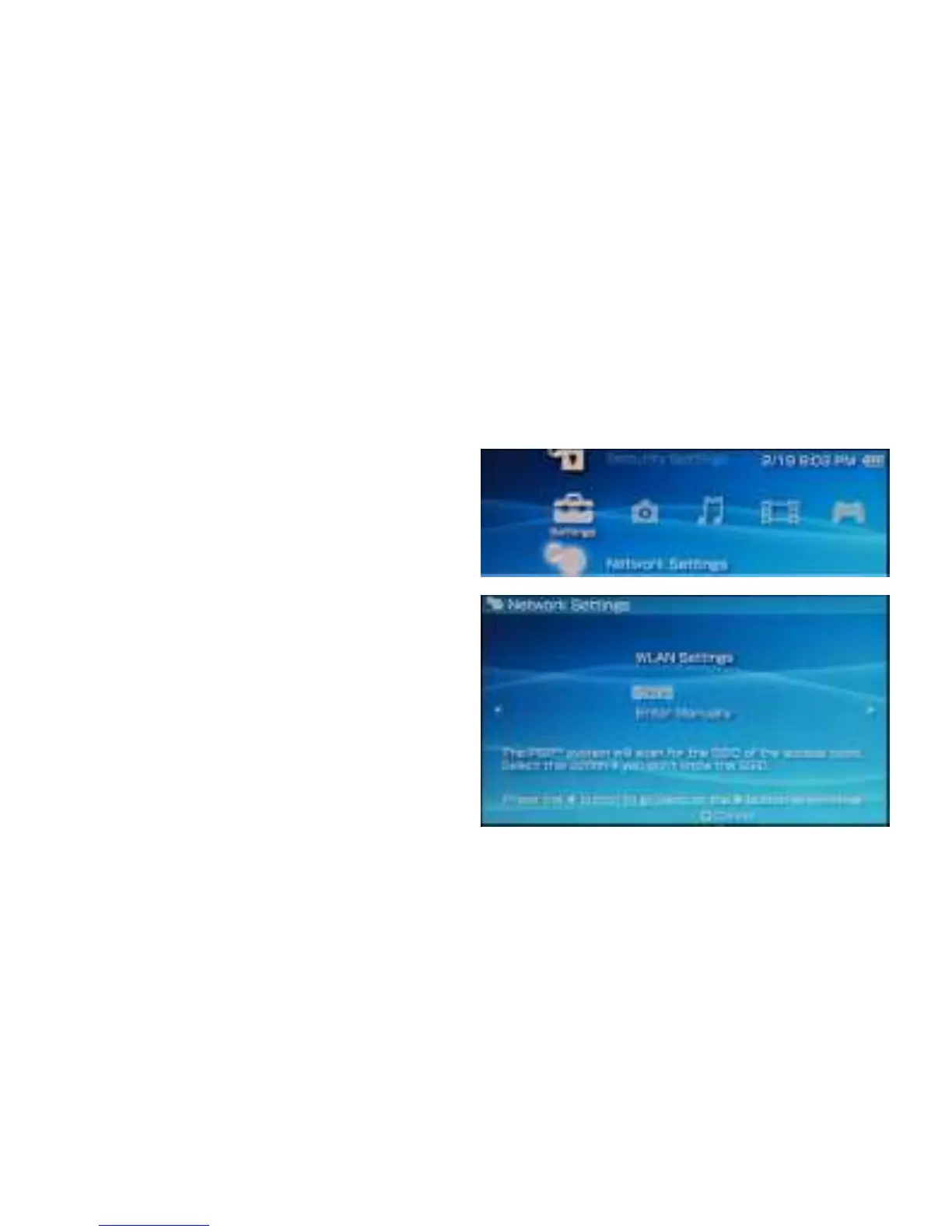
1. On the PSP, turn on the WLAN.
2. Choose Settings > Network Settings.
3. Select Infrastructure Mode.
4. Select New Connection, and enter
the connection name.
5. Select Scan to search for wireless
networks. A list of access points will
be displayed on the screen.
6. Select the access point with the LTE
E8372's SSID, and press the ►
button on the PSP. Confirm the SSID,
and enter the correct wireless
network encryption key.



 To Next Page