20
Note:
Any Wi-Fi enabled device can access the Internet through the LTE E8372. For specific
operations, refer to the Wi-Fi device's user manual.
Viewing Service Information
Visit at http://huawei.setup or http://192.168.8.1 to view your wireless network service
information.
Restoring Factory Defaults
If you wish to restore factory settings on your device, you can do so by connecting the LTE
E8372 to a computer or a power outlet, and press and hold the RESET button for 2
seconds.
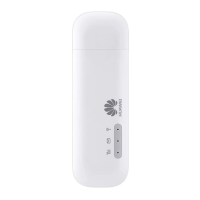
See diagram below:



 To Next Page