Change device name: Open Settings and go to System > About phone > Device name to
change the device name of your Phone.
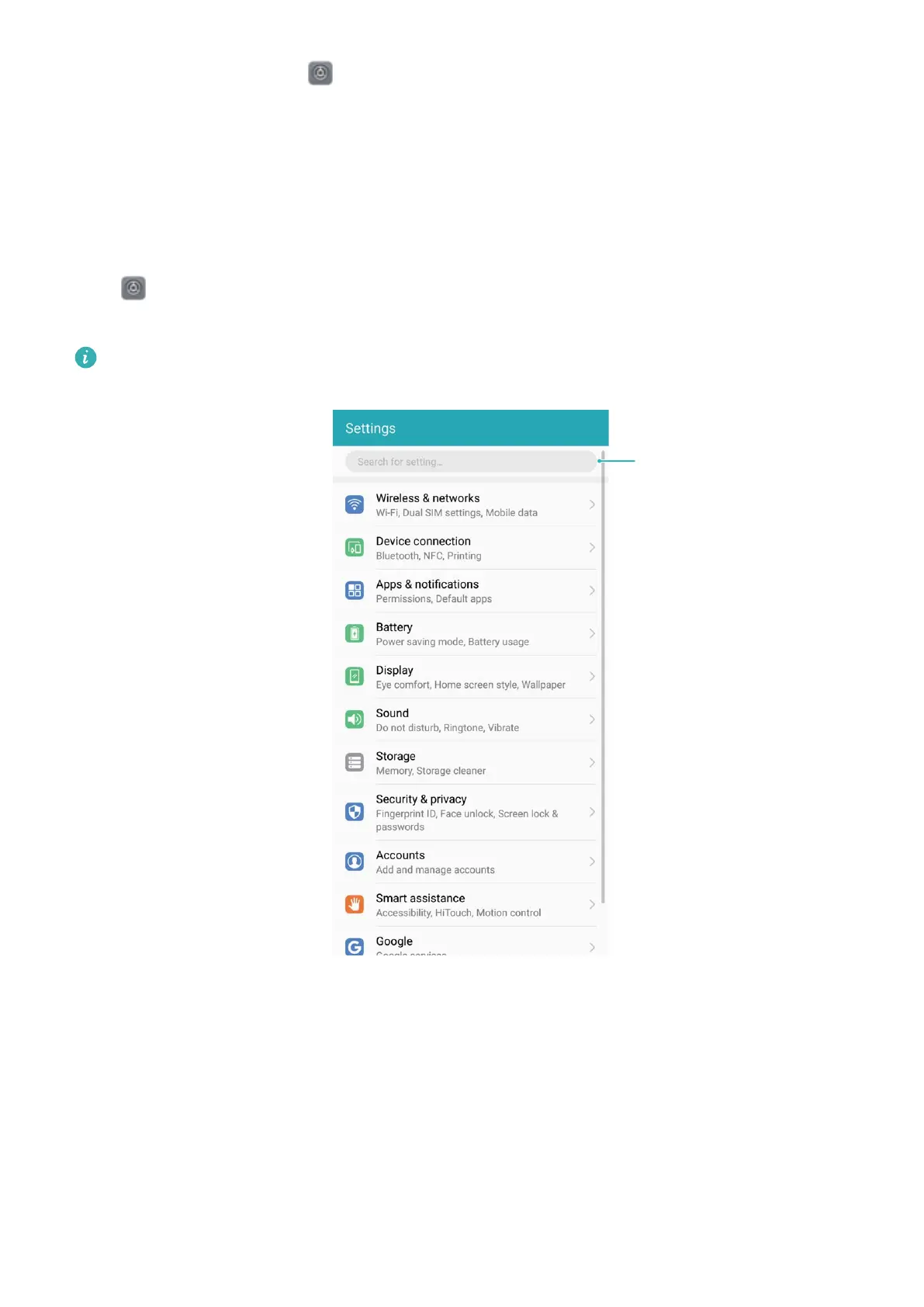
Use Smart Settings to Find a Setting Quickly
Want to change the font style but can't nd the setting? Smart settings can help you nd a setting
quickly. They can also recommend settings for you based on your device usage, allowing you to
enable or disable a setting in a single step.
Open Settings. Your Phone will recommend settings for you based on your device usage. You
can also enter a keyword or synonym in the search bar and your Phone will display all related settings.
Only JSN-L21 supports NFC. Please keep the NFC area close to other devices or objects while
using the NFC function.
System
99



 To Next Page