Fingerprint
Fingerprint Recognition: Enjoy Faster Navigation and Enhanced Security
Fingerprint recognition not only allows you to unlock your Phone faster, it also provides added
security to your personal information.
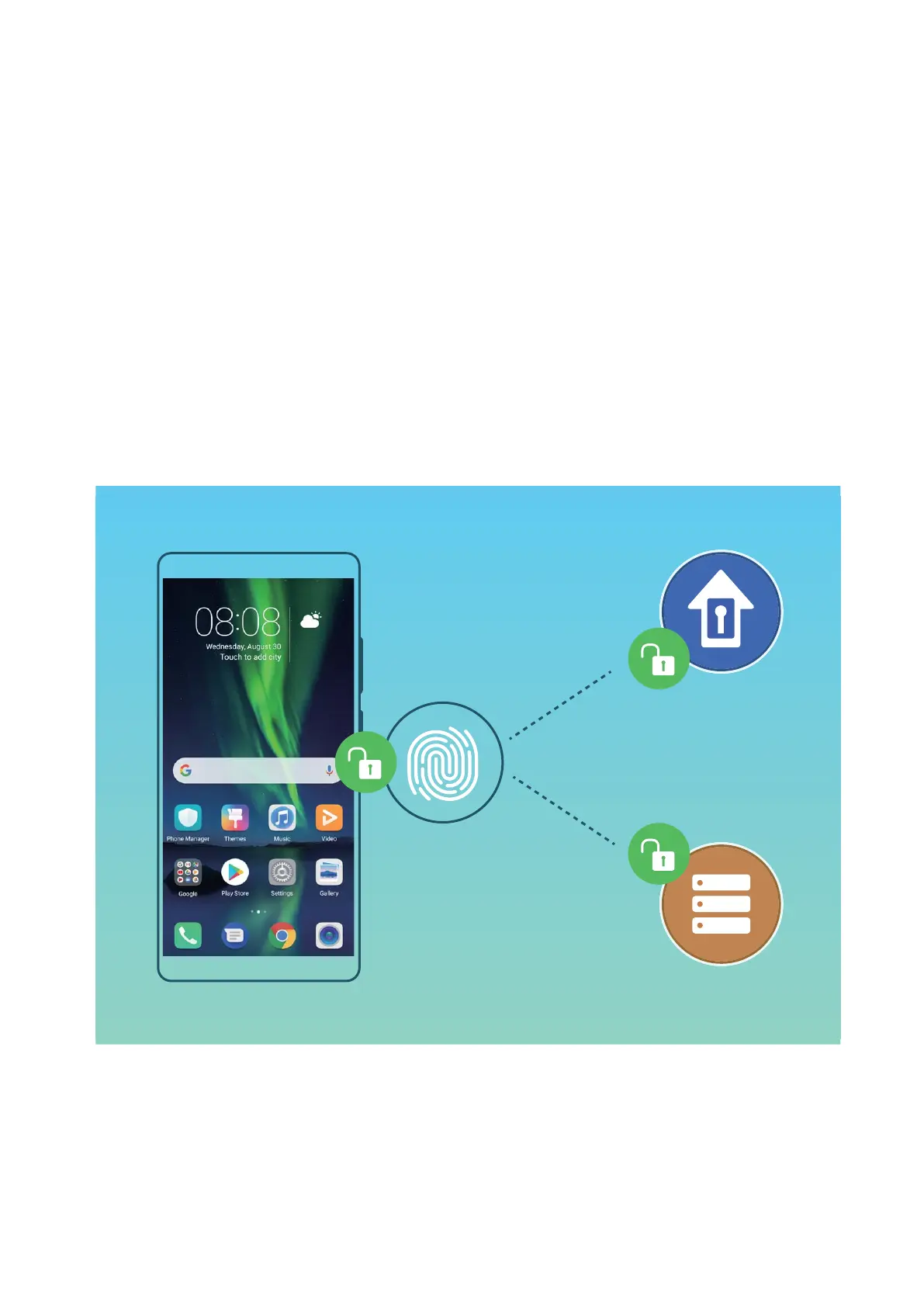
You can use your ngerprint to:
l Unlock your screen with a single touch: Want to avoid the hassle of using PIN codes and
patterns to unlock your screen? Use your ngerprint to quickly and securely unlock your screen with
a single touch.
l Access your private les: Afraid of forgetting your password for the Safe or app lock, or having it
fall into the hands of someone you don't trust? Set ngerprint access for the Safe and app lock to
keep your les and apps secure and accessible by only you.
Use Fingerprint Shortcuts for Faster Device Operation
Can't reach the shutter button to take a photo, or want a faster way to answer a call or turn off an
alarm? You can use any of your
ngertips to quickly take photos and answer calls with the ngerprint
sensor. No ngerprint verication is required.
Security and Privacy
73



 To Next Page