l Adjust beauty parameters: In Camera settings screen, go to Perfect sele > Set beauty effects
to adjust parameters such as skin smoothness and tone.
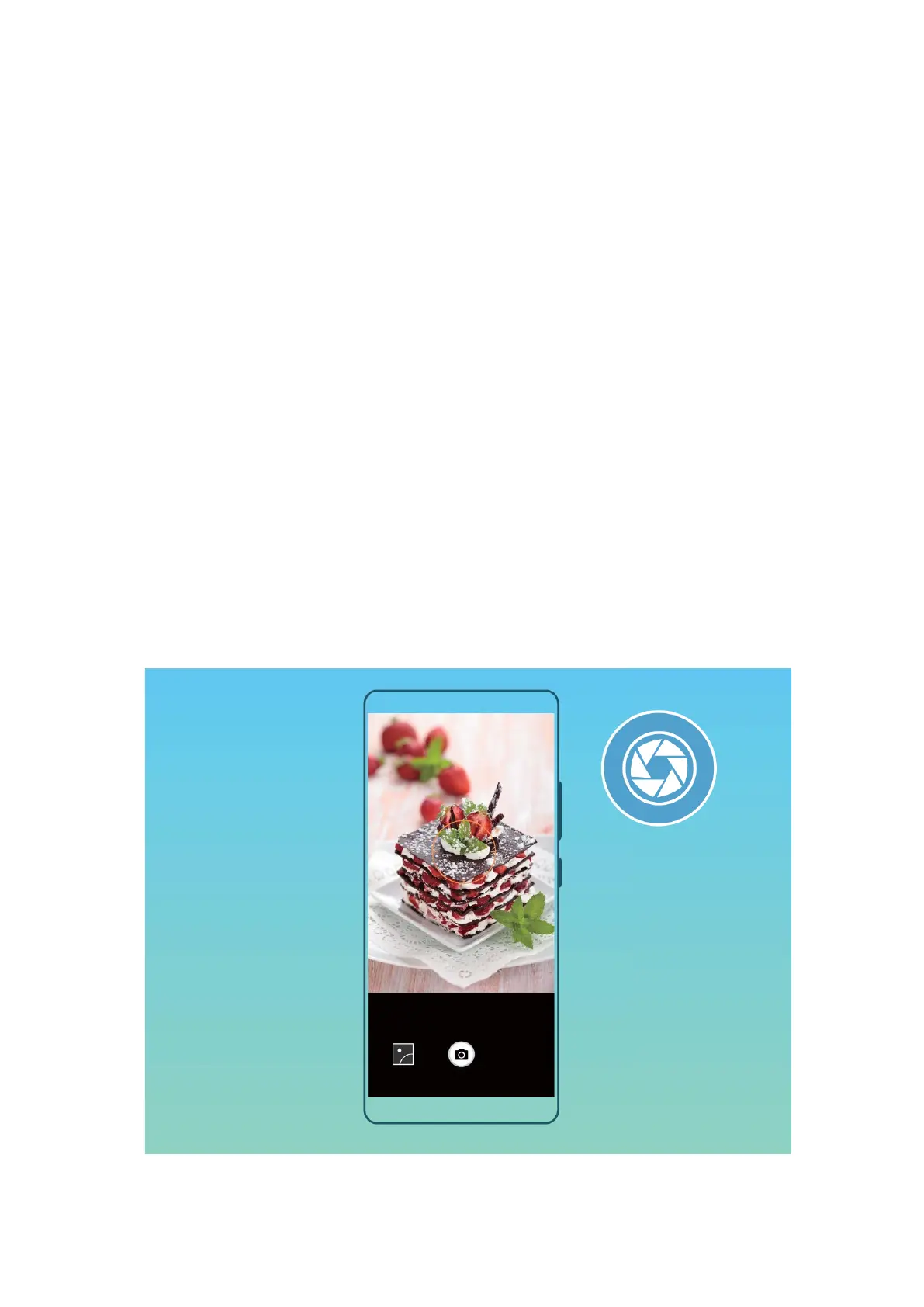
Wide Aperture
Wide Aperture Mode: Emphasize Your Subject
Want to showcase a peony in a sea of owers, highlight your subject in a crowd, or increase the
brightness in a low light environment? Enable Wide aperture mode to blur the background and
highlight your subject to take crisp photos even in low light.
l Quick focus to capture eeting moments: Wide aperture mode can help you quickly capture a
eeting moment during your travels while avoiding any possible blurring caused by moving the lens
or focusing too slowly.
l Blur the background to highlight the subject: Unable to pick out the focus in a crowd? Enable
Wide aperture mode to blur the background, so you can stand out with ease even on a crowded
street.
l Capture moments with ease even at night: Are your photos dark when taken at night or in low
light? Enable Wide aperture mode to customize your photo brightness so you can capture the best
lit moment even in low light.
Camera
33



 To Next Page