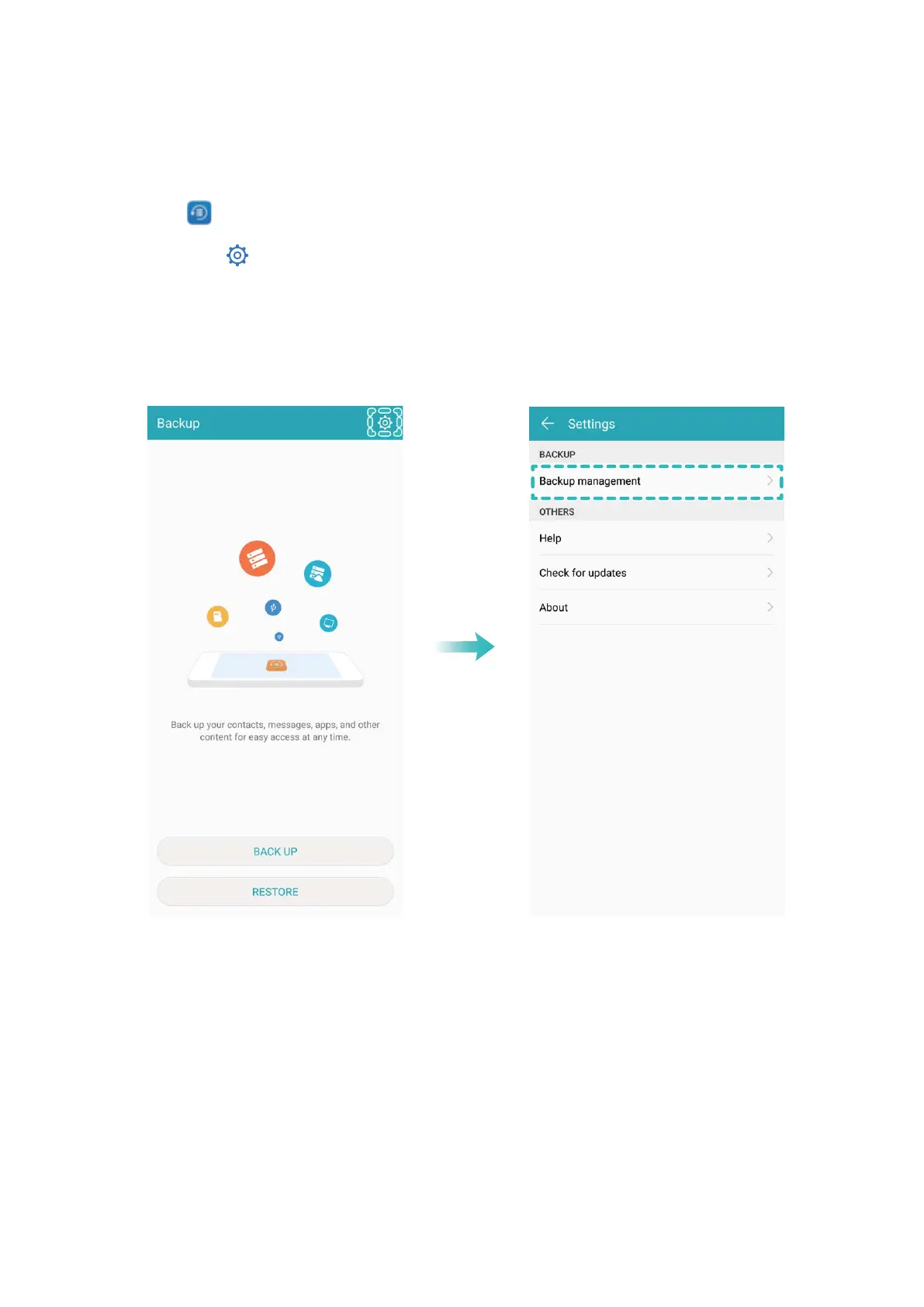
Search for Backup Data on Your Phone
If you have chosen to back up the data on your Phone to a USB storage device, you can view or
delete backup les in Backup management.
1 First, open Backup.
2 Then touch the icon at the top of screen, and then touch Backup management.
3 Select a backup storage medium and touch Next to nd the location of the backup le.
4 To delete the backup data or any les in the storage medium, touch Delete. Media les must also
be deleted from Multimedia backup.
Backup and Restoration
79



 To Next Page