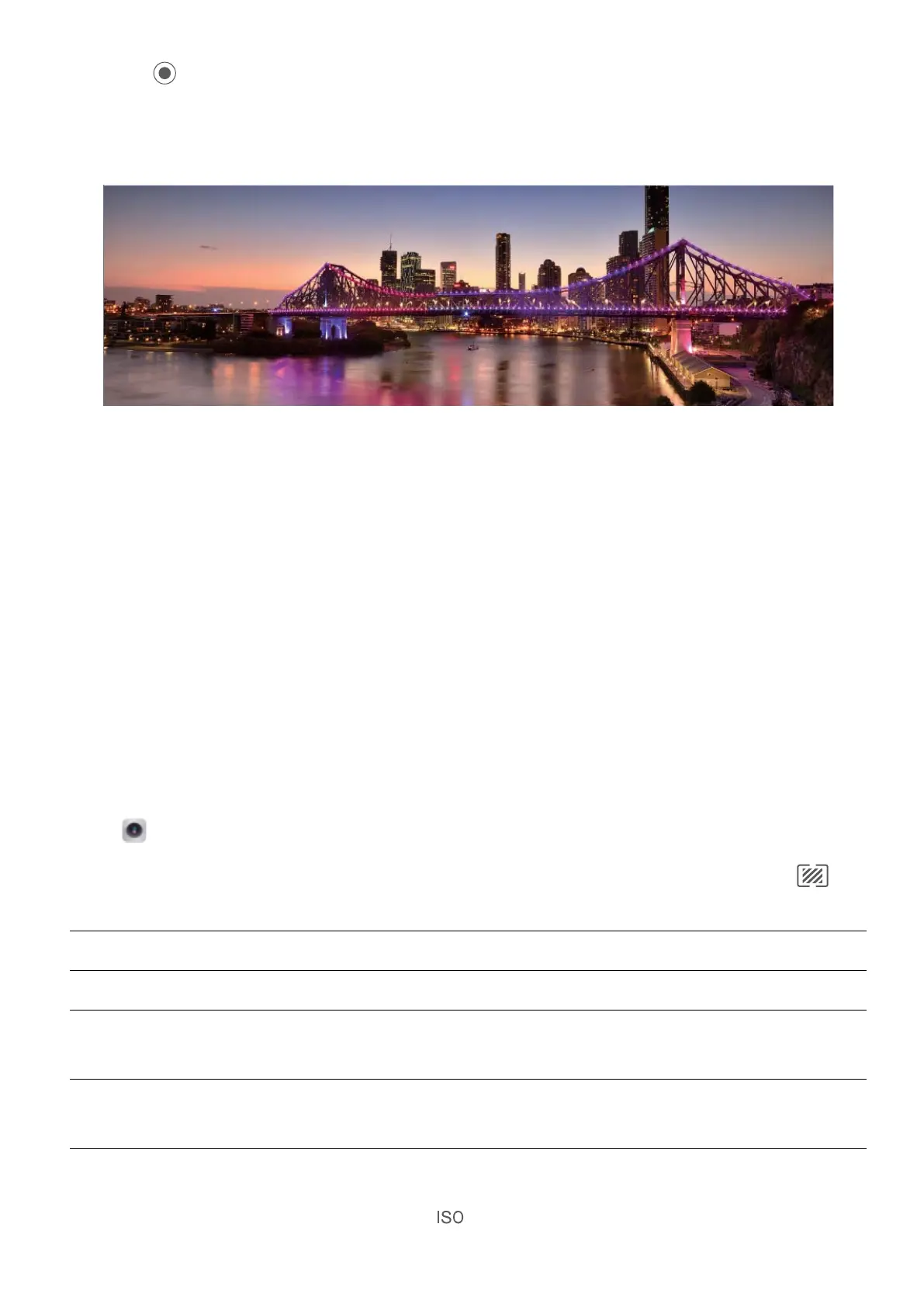
4 Touch when you are nished. The camera will automatically stitch the photos together to
create a panorama.
Pro Mode
Pro Camera: Use Light to Tell Your Story
Pro camera lets you adjust exposure, shutter speed, and a range of other settings, giving you full
control of your camera.
Pro camera is a pre-installed camera mode in your Phone. In Pro camera mode, you can adjust various
parameters to produce photos and videos with results comparable to professional cameras.
Use Pro Mode to Take Scenic Photos
Want to make your scenic photos more vibrant and interesting? Use Pro mode to take unique and
personalized scenic photos.
Open Camera > More > Pro.
Select a metering mode based on the shooting subject: On the Pro mode screen, touch
,
and select a metering mode accordingly.
Metering mode
Application scenario
Matrix Broad landscapes and seas
Center
The subject is in the center of the picture, and stands out from the
background.
Spot
The subject to be highlighted in the picture is relatively small, such as a
ower or a tree.
Adjust brightness based on the shooting environment:
l Adjust ISO: On the Pro mode screen, touch
, and swipe left or right on the ISO slider to adjust
its value.
Camera
35



 To Next Page