You can view your screen recordings in Gallery.
Take a Screenshot of Your Entire Screen
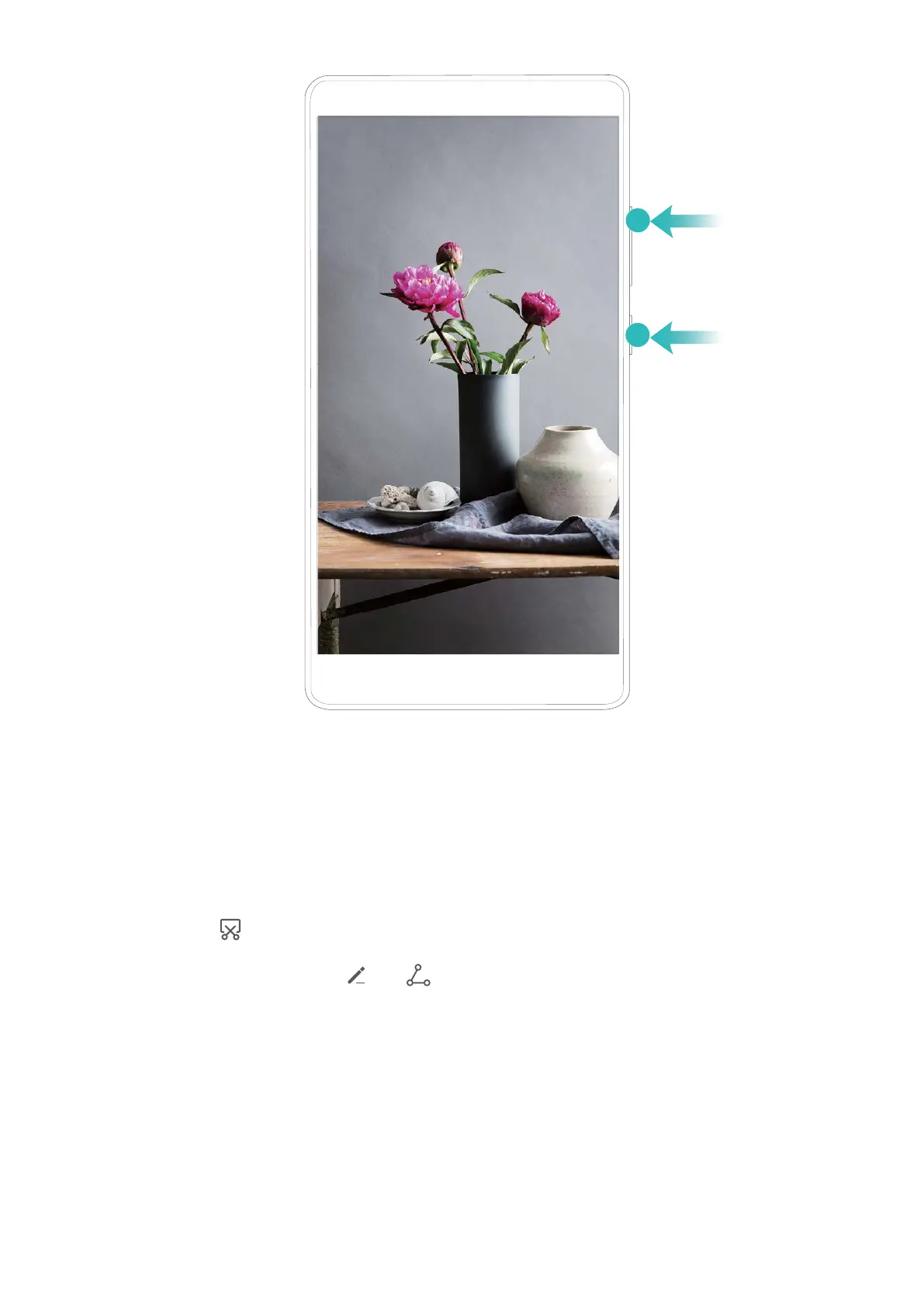
Use combo key to take screenshot: Simultaneously press and hold the Power button and the
Volume down button to take a screenshot of the full screen.
Use shortcut switch to take screenshot: Swipe down from the status bar and open the shortcuts
panel, then touch to take a screenshot of the full screen.
After taking the screenshot, touch or to edit or share the screenshot. The screenshot will be
saved in Gallery by default.
Gestures and Operations
10



 To Next Page