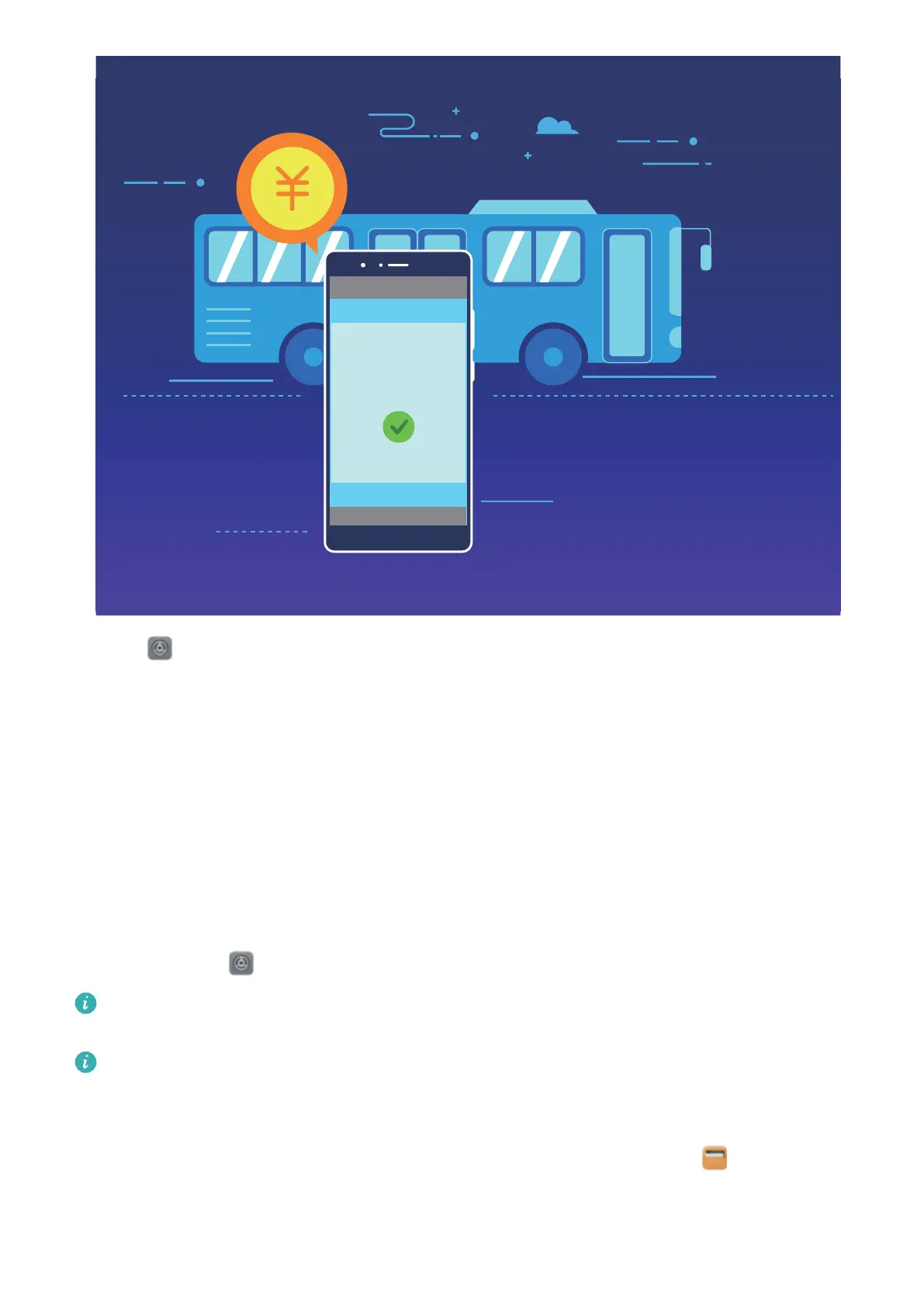
1 Open Settings, touch Device connection and enable NFC and Huawei Beam.
2 Add a virtual transportation card in your carrier's payment app,download and install your carrier's
payment app. For more information, contact your carrier. Open your carrier's payment app and
follow the onscreen instructions to add a transportation card.
3 Swipe a SIM virtual transportation card: When you are on a bus or metro, press the NFC
sensor on your Phone against the card reader to swipe the virtual transportation card. The fare is
deducted automatically.
Use NFC to Top up A Transportation Card
Use the NFC feature on your device to top up physical and virtual transportation cards anywhere,
without needing to queue.
Enable NFC: Open
Settings, touch Device connection and enable NFC and Huawei Beam.
Only JSN-LX1 supports NFC. Please keep the NFC area close to other devices or objects while
using the NFC function.
If there is an option to enable Read and write/P2P on the NFC screen, ensure that it is enabled.
This feature may vary depending on your carrier.
Choose a suitable top-up method for your transportation card:
l Top up virtual transportation cards in Huawei Pay: Enable NFC and touch Wallet to log in
to your HUAWEI ID. Select the transportation card that you want to top up and touch Charge.
Select the top-up balance and follow the onscreen instructions to complete the top-up.
Device Connection
63



 To Next Page