l Transfer MIDI data to your Phone: MIDI (Musical Instrument Digital Interface) is an industry
standard audio format for composing music established by electronic instrument manufacturers.
Swipe down from the status bar to open the notication panel, and then set your USB connection
method to Input MIDI. You can then use Phone to receive and process MIDI messages transmitted
by other devices.
Transfer Data Between Your Phone and a USB Device
USB OTG (USB On-The-Go) lets you transfer data directly between your Phone and other devices (such
as phones, tablets, cameras, and printers) without requiring a computer. You can also use an USB OTG
cable to connect your Phone directly to a USB storage device and transfer les.
Transfer data between your Phone and a USB storage device
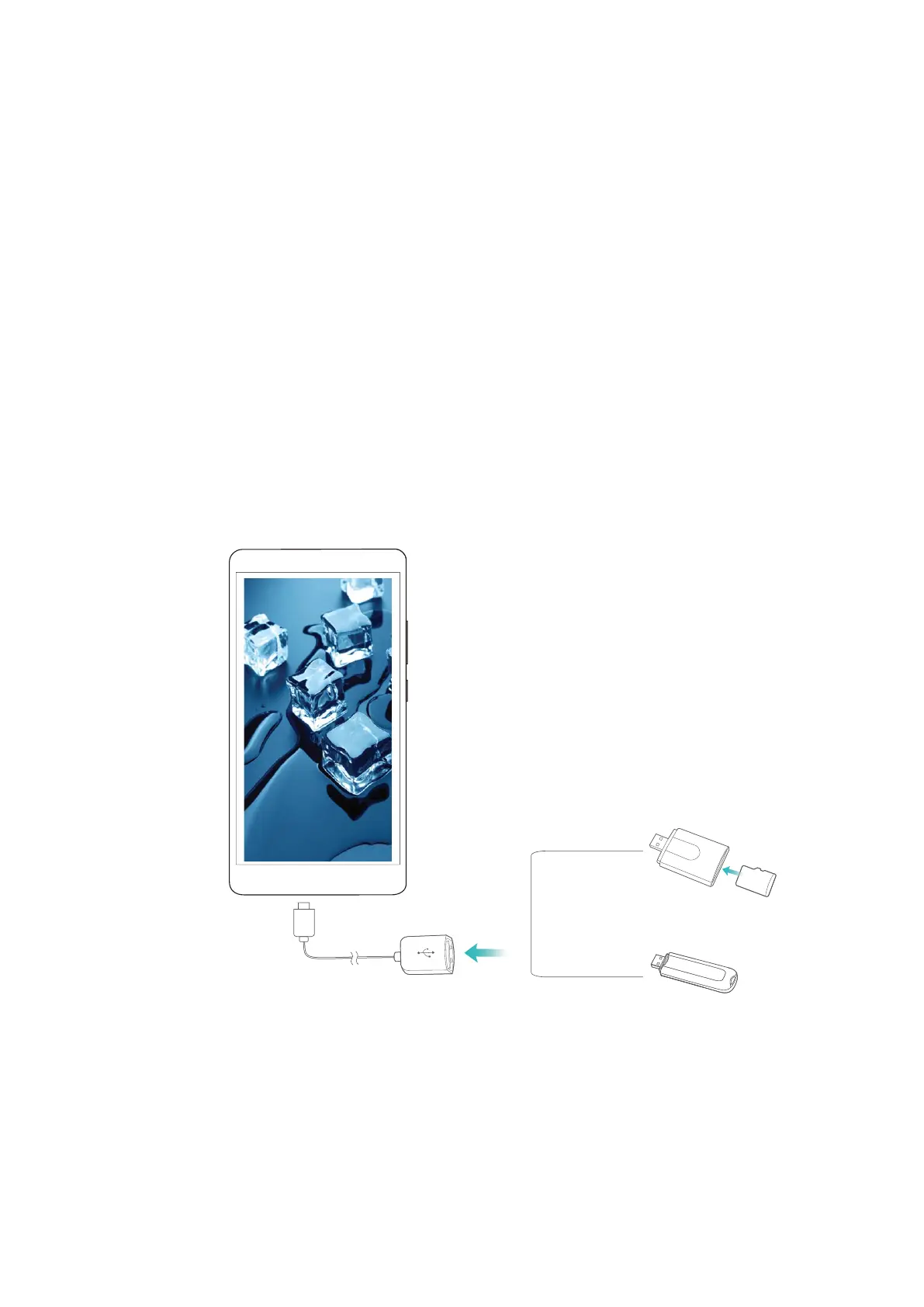
You can use an OTG cable to access USB storage devices (including USB drives and card readers)
directly from your Phone.
1 Connect the USB drive to your Phone using a USB OTG cable.
2 Go to Files > Local > USB drive, navigate to the USB drive, select the data that you want to copy,
and then copy it to the target folder.
3 Once the transfer is complete, go to Settings > Storage > USB drive > Eject.
4 Disconnect the USB OTG cable and USB cable from the two devices.
Device Connection
67



 To Next Page