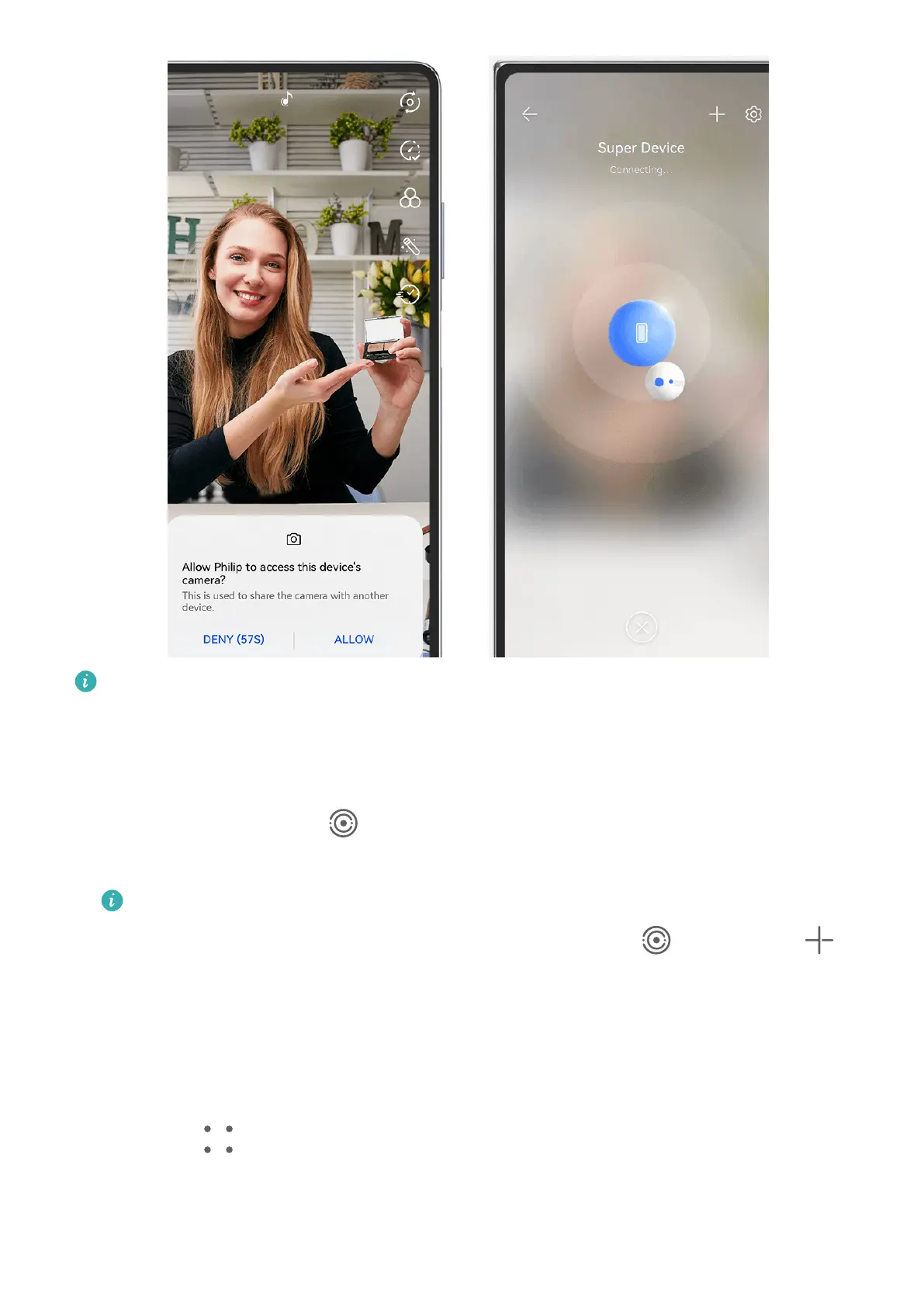
The gures are for reference only.
1 Swipe down from the upper right edge of this device to display Control Panel. From
there, you can connect your devices in any of the following ways:
• In Super Device, touch the device that you wish to connect to.
• In Super Device, touch , and drag the device that you wish to connect to to this
device.
• If the device to be connected to is not logged in to any HUAWEI ID, or the two
devices are not logged in to the same HUAWEI ID, touch in , and touch at
the top of the screen. Your device will automatically search for and display all
available devices. Touch the device that you wish to connect to, and follow the
onscreen instructions to complete the connection.
• If you're trying to use this feature with a phone and a tablet that supports Multi-
Screen Collaboration, drag the device that you wish to connect to to this device,
touch at the bottom of the Super Device screen of this device, and select the
option of using the camera of the device that you wish to connect to.
Camera and Gallery
95



 To Next Page