Huawei Proprietary and Confidential
Copyright © Huawei Technologies Co., Ltd.
Earliest Software
Version
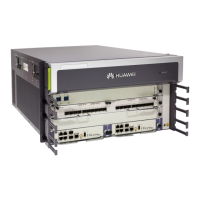
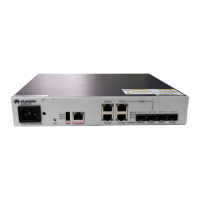
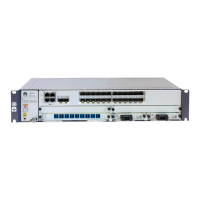
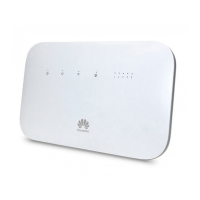
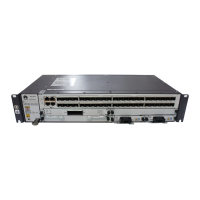
Appearance
Panel
Table 7-14 Indicators
Green:
If the indicator is steady on, the PIC is working properly.
Red:
If the indicator is steady on, the hardware on the PIC is faulty.
Yellow:
If the indicator is steady on, the PIC is installed in a slot for a
HIC and an alarm is reported or the PIC is not loaded with the
logic.
If the indicator is off, the PIC is powered off or is not registered.
100G running status indicator
Green:
If the indicator is steady on, the link is normal.
If the indicator is off, the link is Down.
If the indicator blinks, data is being transmitted.
Table 7-15 Service interfaces


 To Next Page
 Loading...