HUAWEI TE40&TE50&TE60 Videoconferencing
Endpoint
Administrator Guide
4 Display Device and Camera
Huawei Proprietary and Confidential
Copyright © Huawei Technologies Co., Ltd.
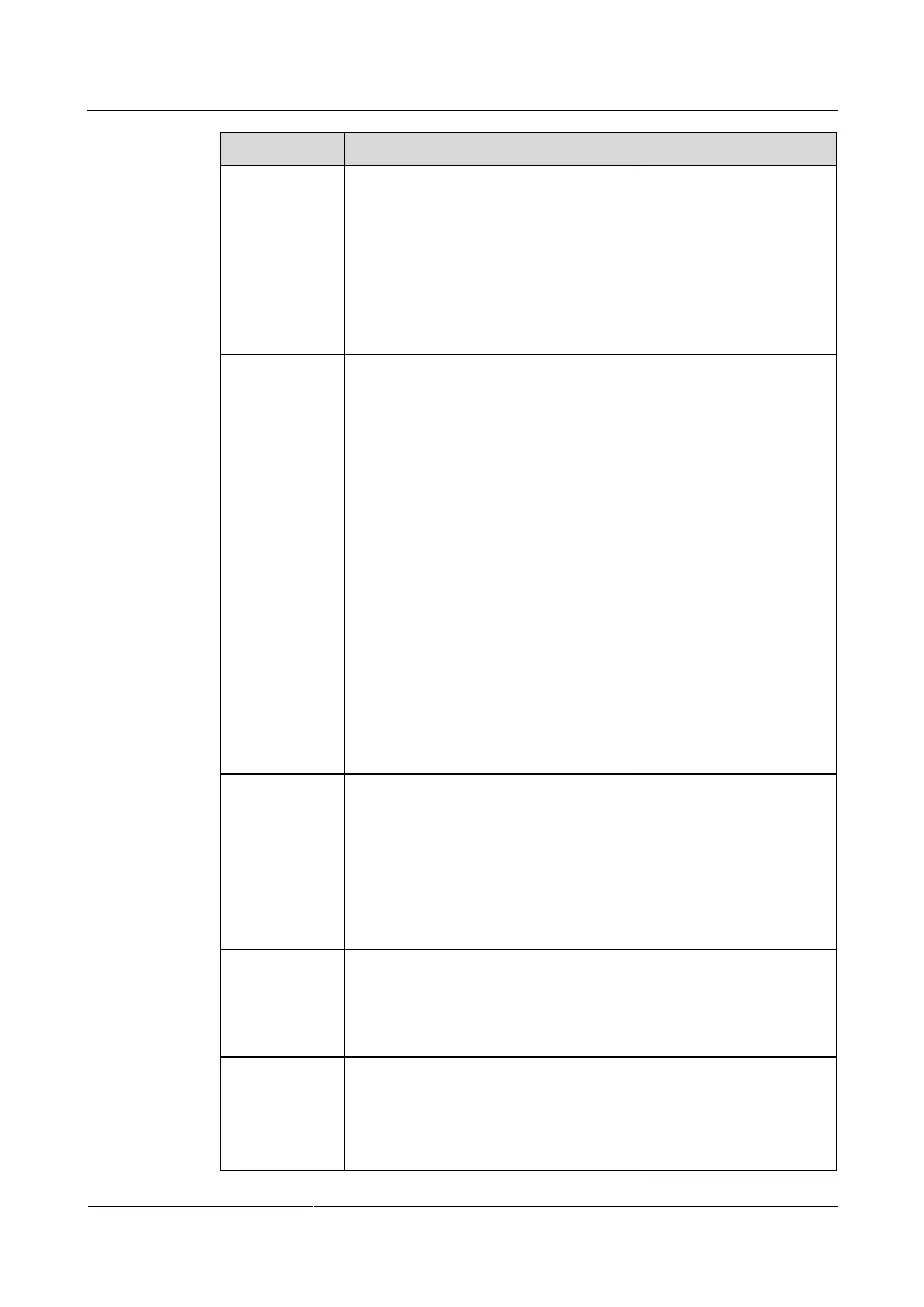
4 3G-SDI OUT port
(only TE50 and TE60)
is 4 3G-SDI OUT.
The default value for the
5 SD OUT port (only
TE50) is 5 SD OUT.
The default value for the
2 SD OUT port (only
TE60) is 2 SD OUT.
Specifies the format for the video
received by the display.
Output modes vary according to video
output ports. For details, see Table 4-4,
Table 4-5, and Table 4-6.
Default values:
1 MAIN OUT port: DVI
2 PC OUT port (only for
the TE60): DVI
2 HDMI OUT port (only
for the TE50 and TE40):
DVI
3 VGA OUT port (only
for the TE50 and TE40):
VGA
3 DVR OUT port (only
for the TE60): DVI
4 3G-SDI OUT port
(only for the TE50 and
TE60): SDI
5 SD OUT port (only for
the TE50): CVBS
2 SD OUT port (only for
the TE60): CVBS
Specifies the resolution for each video
output port. The available options vary
depending on your settings of Output
mode. Table 4-4, Table 4-5, and Table
4-6 list the resolutions supported by the
video output ports in each output mode.
The default value for the
5 SD OUT port (only
TE50) is NTSC.
The default value for the
2 SD OUT port (only
TE60) is NTSC.
The default value for other
ports is 1080p.
Specifies the video refresh rate. The
available options vary depending on your
settings of Video resolution. Table 4-7
lists the refresh rates available for each
video resolution.
The default value is 60Hz.
Specifies how to adjust the aspect ratio to
fit the video into the screen.
Stretch: The aspect ratio is
changeable.
No stretch: The aspect ratio is not
The default value is
Stretch.





 To Next Page