TP48200A-DT19C1, TP48200A-DT19C2,
TP48200A-HT19C1 and TP48200A-HT19C2 Telecom
Power
User Manual
Copyright © Huawei Technologies Co., Ltd.
(4) BLVD circuit breakers
(5) Battery circuit breakers
The TCUA control box occupies the F10 BLVD circuit breaker.
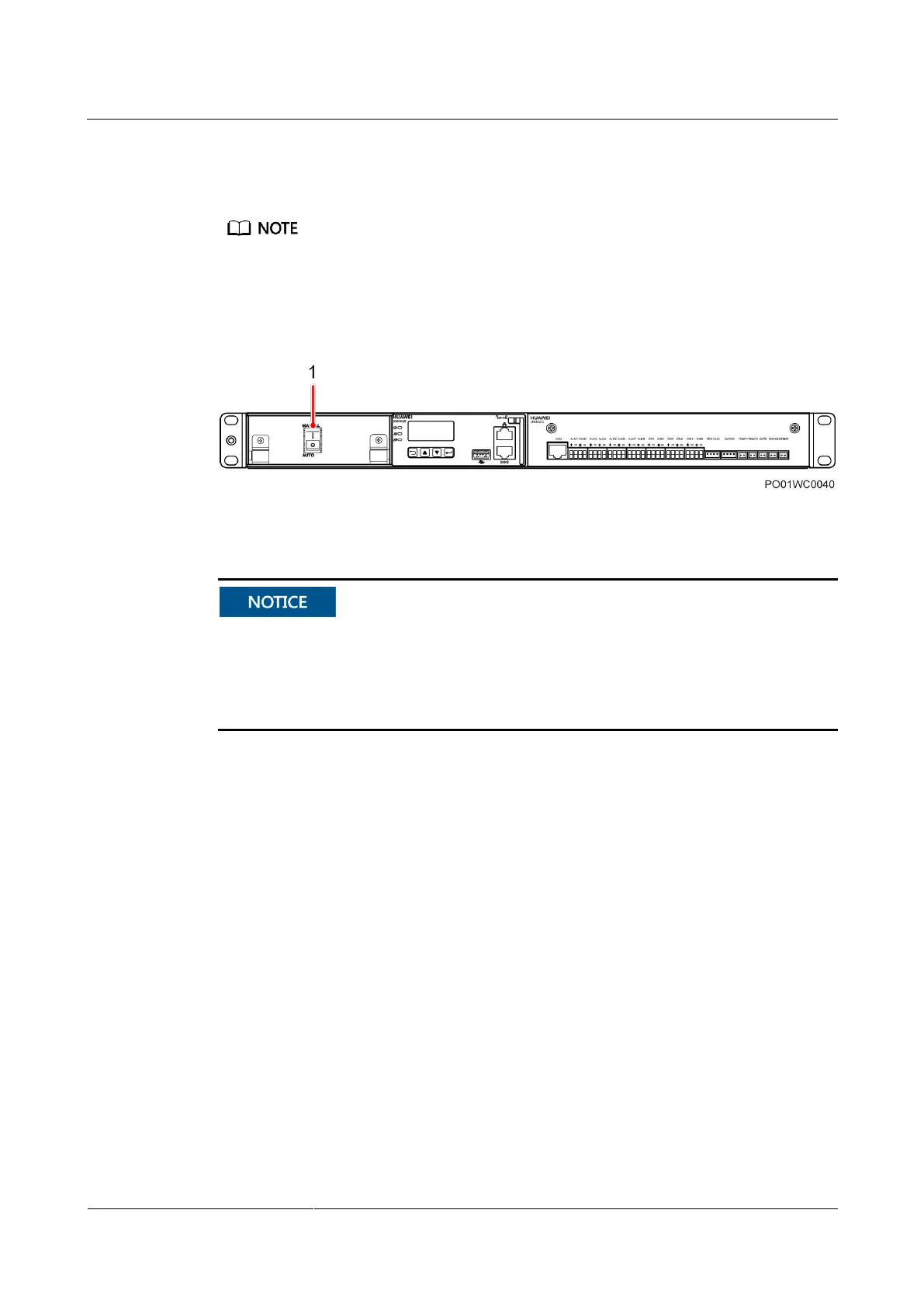
3.2.1 Battery Switch
Figure 3-7 Battery switch
(1) Battery switch (behind the cover)
The battery switch is in the AUTO position by default before delivery and the system is
under automatic control.
Open the cover and flip the battery switch to MANUAL only when you need to connect
battery power supply manually. Remember to flip the battery switch back to AUTO after
the commissioning.
3.3 Rectifier
Rectifiers convert AC input into stable DC output.



 To Next Page
 Loading...


