Support flow
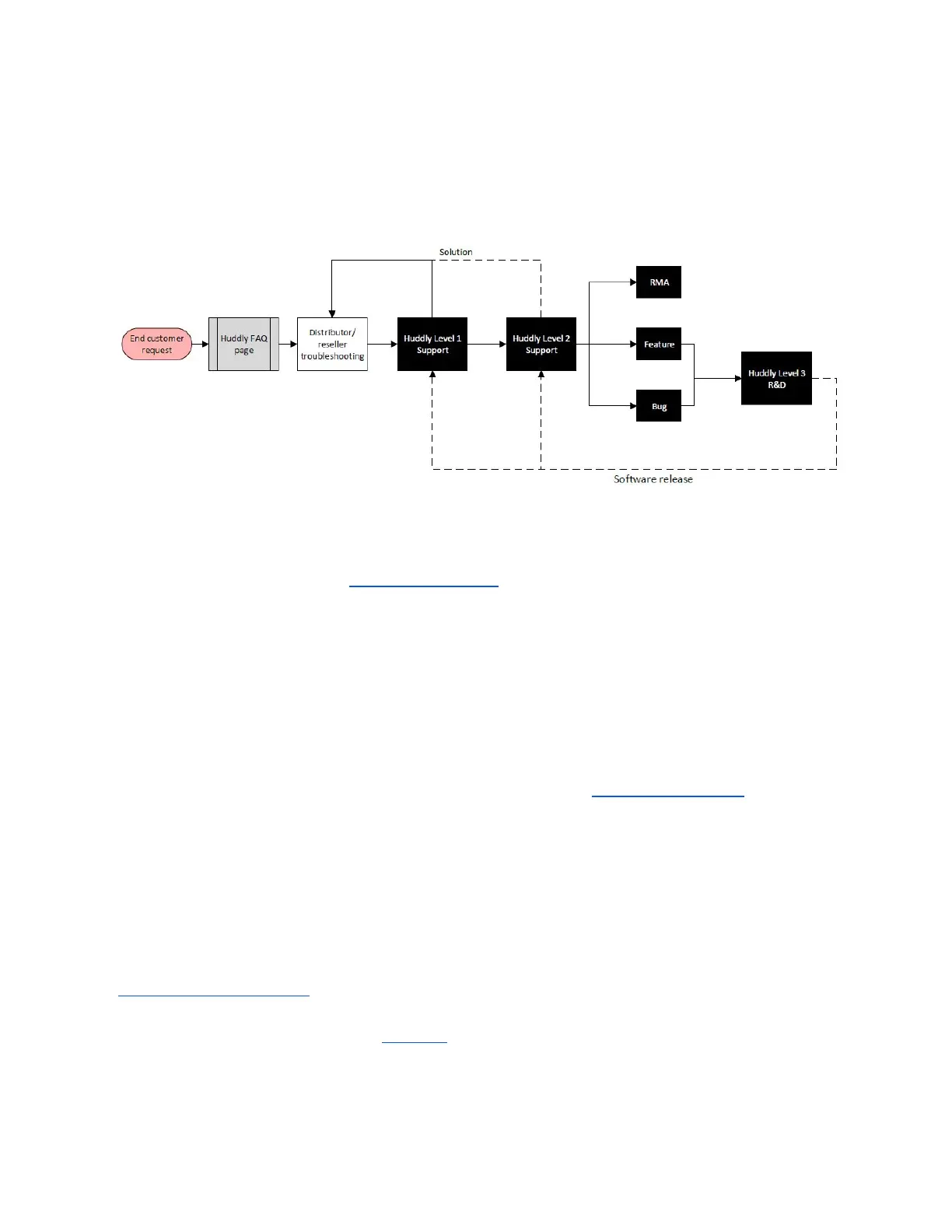
When an end user has a request/inquiry, this is the flow of support:
● The Huddly FAQ page (support.huddly.com). This also doubles as a support guide as it
contains information and troubleshooting help for resellers/distributors.
● End user contacts the reseller/distributor for Tier 1 support.
● If the issue is not resolved after Tier 1 troubleshooting, the reseller/distributor contacts
Huddly for Tier 2 support (Huddly Level 1 Support). Huddly will work with the
reseller/distributor to resolve the end user’s issue.
● If it requires further help, the case will be escalated to Tier 3 support with Huddly Level 2
Support. At this point it will be determined if the issue is a software issue that will be
solved with a future update (resolving in a Feature Request or a Bug Fix), or a technical
issue that requires an RMA. For more details on RMAs, please see point 3.0.
1.0 Introduction
This document is a basic troubleshooting guide made for Huddly Partners for the Huddly
products, and will have links to certain FAQ articles on Huddly’s Support pages
(http://support.huddly.com) with information and troubleshooting help that you can always refer
to when helping a customer. Point 1.0 is an introduction to how to use the Huddly camera, and
the troubleshooting help starts with point 2.0.
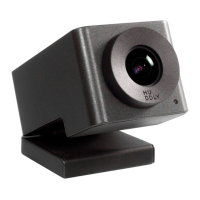
Huddly cameras are plug-and-play cameras. You connect the camera to your device, and it is
ready to go. You use the Huddly App to control the features of the camera, such as
pan/tilt/zoom and the Genius Framing feature on the Huddly IQ.
2



 To Next Page