2.3.1 How do I know if my computer has a USB 3.0 certified port?
Huddly GO works on both USB 2.0 and USB 3.0 certified ports, while Huddly IQ works on USB
3.0 certified ports only. The major difference between the two is the transfer rates, in which USB
3.0 is 10 times faster than USB 2.0. To understand more, please read the information below.
2.3.1.1 Windows
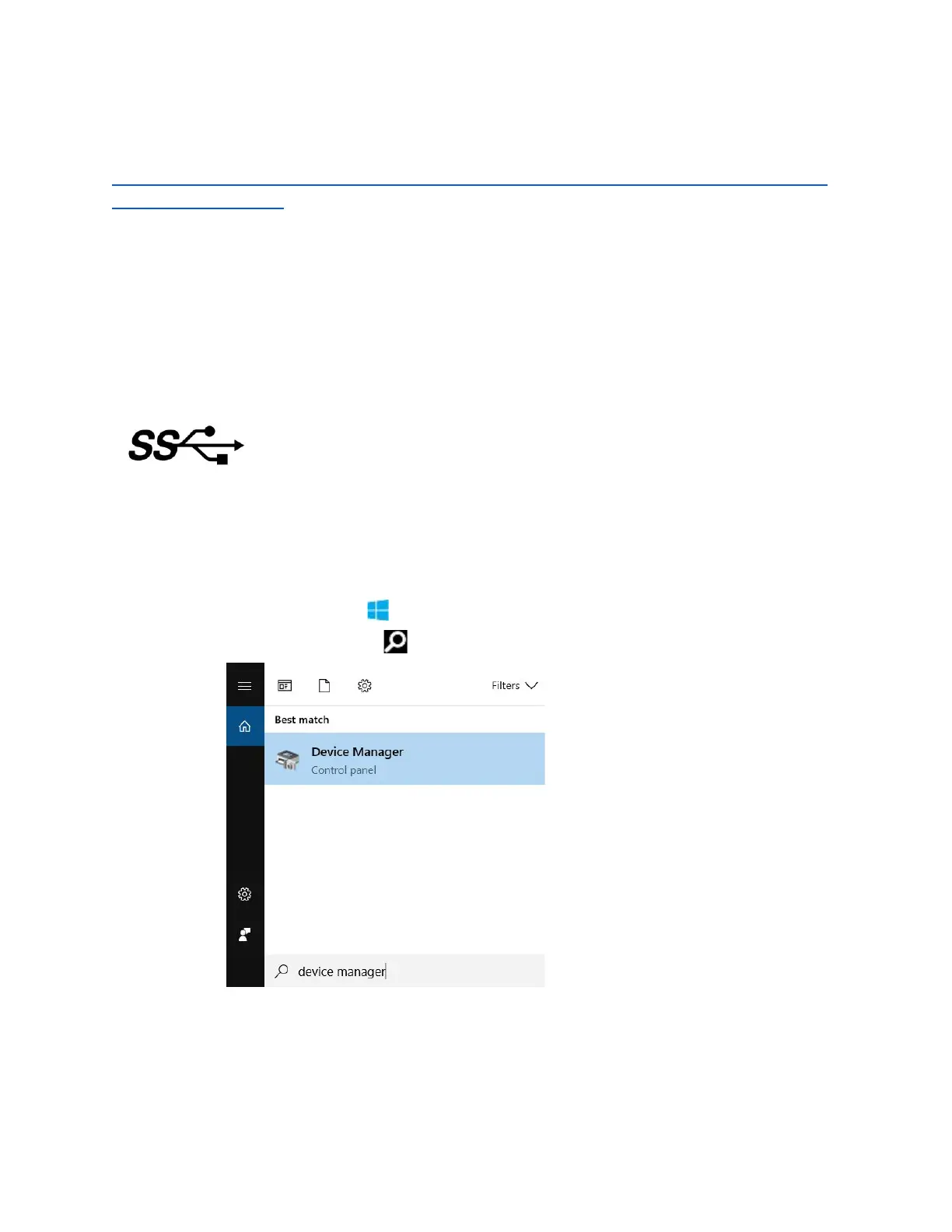
1. The SuperSpeed Logo. In general, computer manufacturers used this to differentiate
between ports which is usually blue in color for USB 3.0. You can find the SS mark along
with the USB port.
2. Device Manager. You can identify the USB port by checking the Universal Serial Bus
controllers.
a. Right-click on the button and go to Device Manager. You can also type
Device Manager on as shown below.
8



 To Next Page