Please download the driver from our website: Driver-Kamvas 13
Note:
1. Before installing driver, please close all graphic software and antivirus program.
2. If you have installed other pen tablet driver, please uninstall it before you install this driver.
3. Please make sure your computer OS are as following: Windows 7 or later, macOS 10.12 or
later.
4. Run the tablet driver program and complete the installation according to the instruction.
After the download is successful, double-click to open the driver.
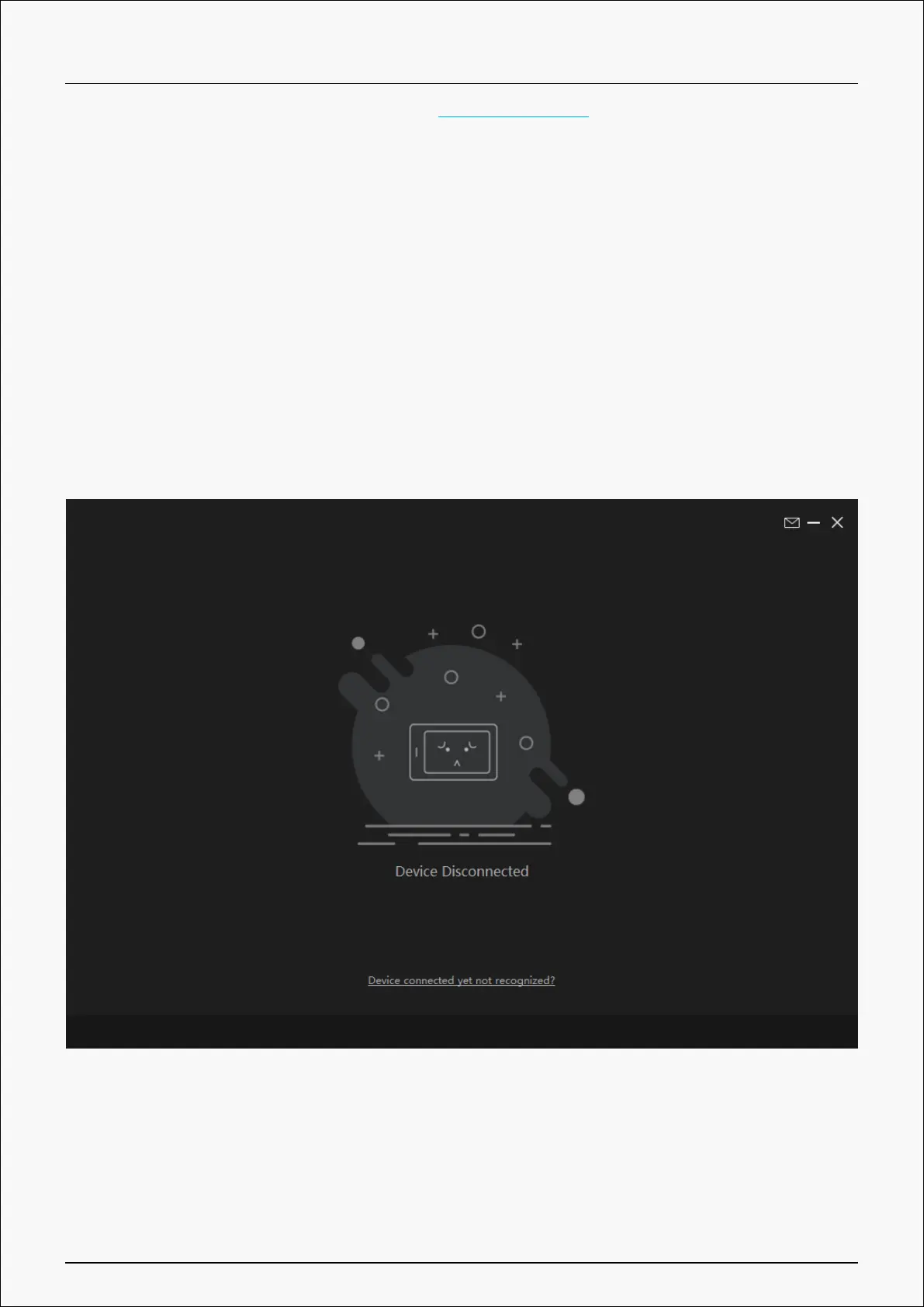
If the connection fails, please reconnect the computer to the device, or restart the driver or
computer.
8 / 38










 To Next Page