EasyManua.ls Logo

Huion KAMVAS 16 - User Manual

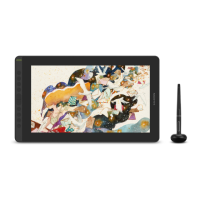
Huion KAMVAS 16
131 pages
Print Icon
To Next Page IconTo Next Page
Loading...
2
26
47
68
89
110
User Manual
Benutzerhandbuch
Manuel d' utilisateur
ユーザーマニュアル
Manuale d' uso
Manual de Usuario
GS1562
KAMVAS 16 (2021)

Table of Contents

Questions and Answers

Summary

Precautions and Safety

Product Overview

Display Introduction

Introduction to the Huion KAMVAS 16 (2021) creative drawing display.

Product and Accessories

Details the tablet's components and lists included accessories.

Pen Basic Operation

Hold the Pen

Proper grip and handling instructions for the digital pen.

Position the Cursor

How to move the cursor by hovering the pen over the active area.

Pen Clicking

Using the pen tip to register a click action on the screen.

Pen Movement

Sliding the pen tip across the screen to move objects.

Pen Side Buttons

Using and customizing the pen's side buttons.

Pen Nib Replacement

Step-by-step guide for replacing a worn-out pen nib.

Display Features Overview

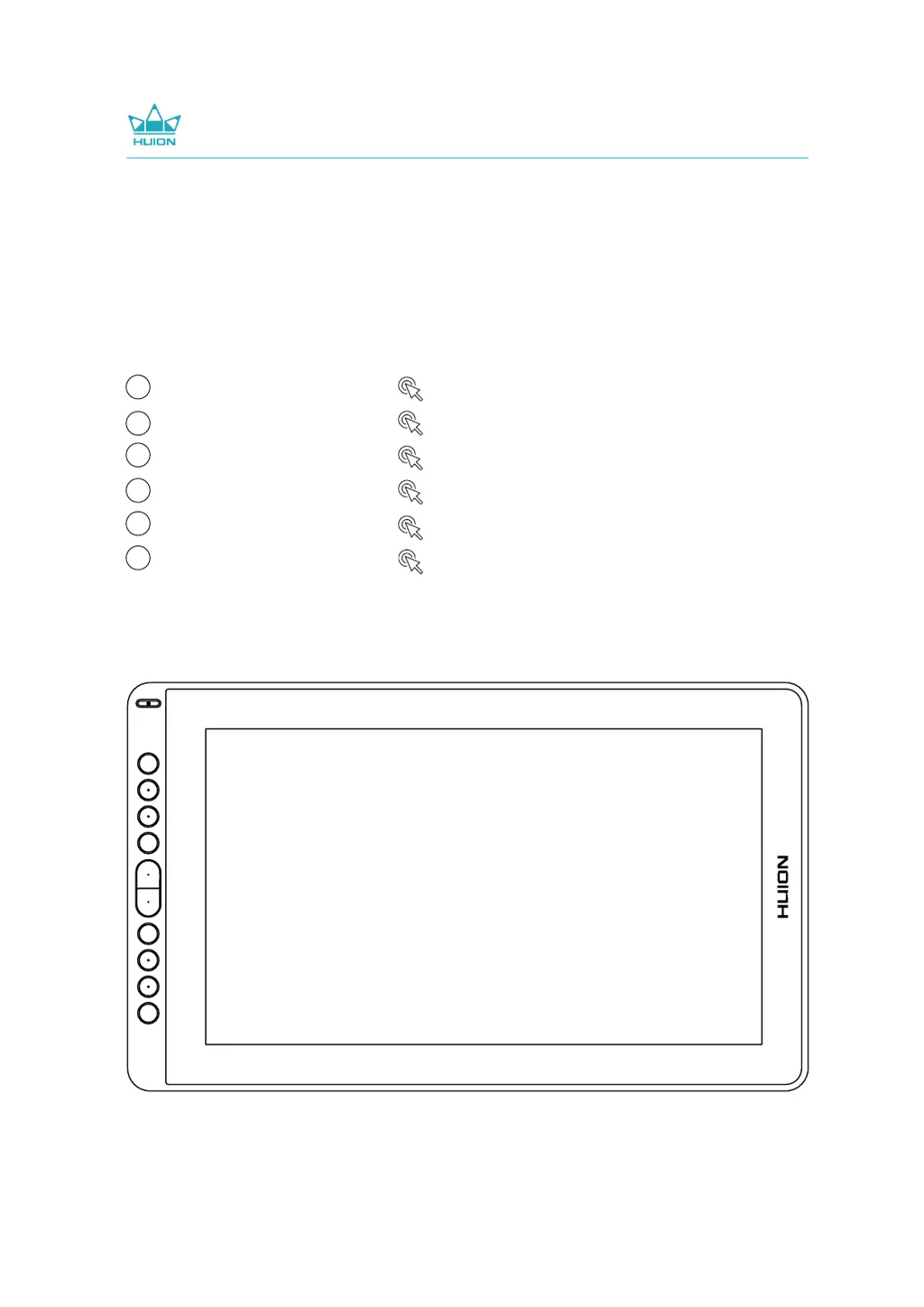
Power Button

Location and function of the power button.

Press Keys

Information on the display's customizable press keys.

OSD Function

How to enter and navigate the On-Screen Display (OSD) menu.

Function Settings

Working Area Setting

Configuring the mapping between pen input and screen cursor.

Display Settings

Configure general display settings, hotkeys, and driver updates.

Pen Buttons Function Setting

Customizing the functions assigned to the pen's buttons.

Enable Windows Ink Feature

Activating Windows Ink support for enhanced pen input.

Pressure Sensitivity Setting

Adjusting the pen's pressure sensitivity curve for responsive drawing.

Pen Pressure Testing

How to test and verify the pen's pressure sensitivity.

Pen Nib Activity Setting

Configuring the pen nib to be active or inactive for functionality.

Data Export and Import

Exporting and importing custom driver configurations for easy setup.

Specifications

Trouble Shooting

After-service Contact

Huion KAMVAS 16 Specifications

General IconGeneral
Display Size15.6 inches
Color Gamut120% sRGB
Pen Pressure Levels8192
Pen TechnologyBattery-Free Electromagnetic Resonance
CompatibilityWindows 7 or later, macOS 10.12 or later
Report Rate266 PPS
Viewing Angle178°
Contrast Ratio1000:1
Tilt Support±60°
InterfaceUSB-C
Active Area344.16 x 193.59 mm
Display Colors16.7 million
Brightness220 cd/m²
ConnectivityUSB-C, HDMI
Weight1.26 kg
Resolution1920 x 1080
Express Keys10 customizable keys

Videos

How To Connect Huion Kamvas 16 to Phone - Step by Step

Related product manuals