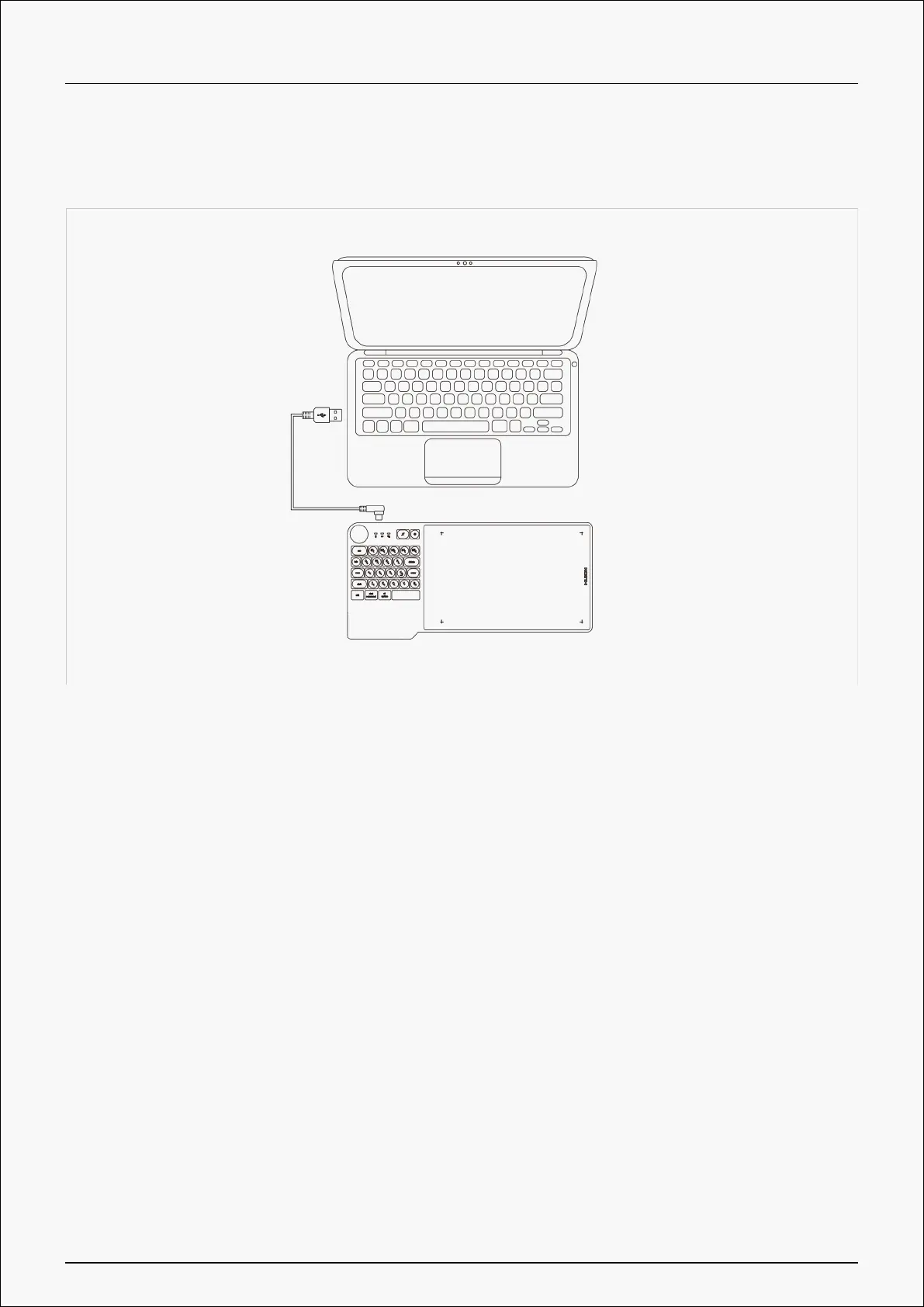
2. Bluetooth Connection
PC and Android devices are supported to be paired with Bluetooth. Please follow the steps below:
1. Activate Bluetooth on PC or any Android device.
2. Long press the power button for 2 seconds till the blue light flashes to power on the pen tablet.
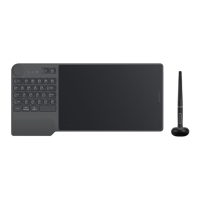
3. Have the device Inspiroy Keydial connected via Bluetooth pairing, Please hold the key combos
Shift+Ctrl+Start Command to adjust the imaging on your phone in case of display distortion.
7 / 39








 To Next Page