8
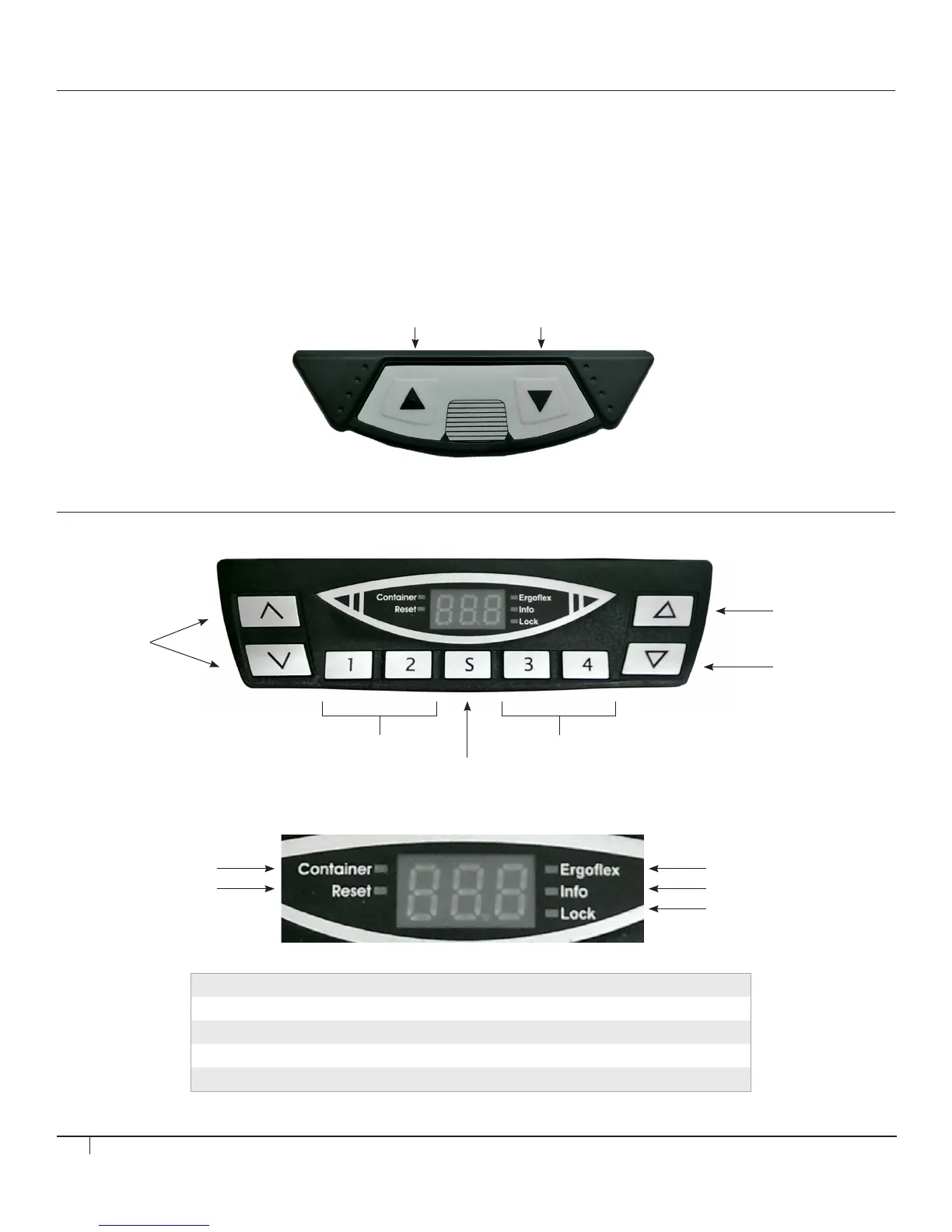
DIGITAL TOUCHPAD OPERATION
Touchpad Overview
Digital Display Overview
ANALOG TOUCHPAD OPERATION
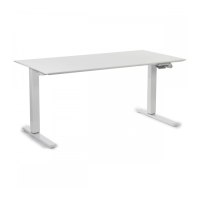
Moving the desktop UP and DOWN
• To move the table UP press and hold the UP BUTTON. Desktop will begin moving upward. Release button once the desired
desktop height is reached.
• To move the table DOWN press and hold the DOWN BUTTON. Desktop will begin moving downward. Release button once the
desired desktop height is reached.
Note: The desktop will stop moving at the lower or upper limit position regardless of whether the up or down button is released. If a collision occurs, the
controller will immediately reverse the direction of desktop movement for a brief period of time to prevent damage to objects or surroundings.
Move Desk
Upwards
Move Desk
Upwards
Move Desk
Downwards
Move Desk
Downwards
Position Buttons 1 - 2 Position Buttons 3 - 4
Memory Button
No Function
Ergoflex LEDContainerstop LED
Info LEDReset LED
Lock LED
Container This LED shows that the Container Stop function is active
Reset This LED shows that the Controller is requesting a reset
Ergoflex This LED is not used
Info This LED warns you of important information on the information display
Lock This LED is not used


 To Next Page