5
Attach Monitor(s)
(FOR SINGLE MONITOR)
1
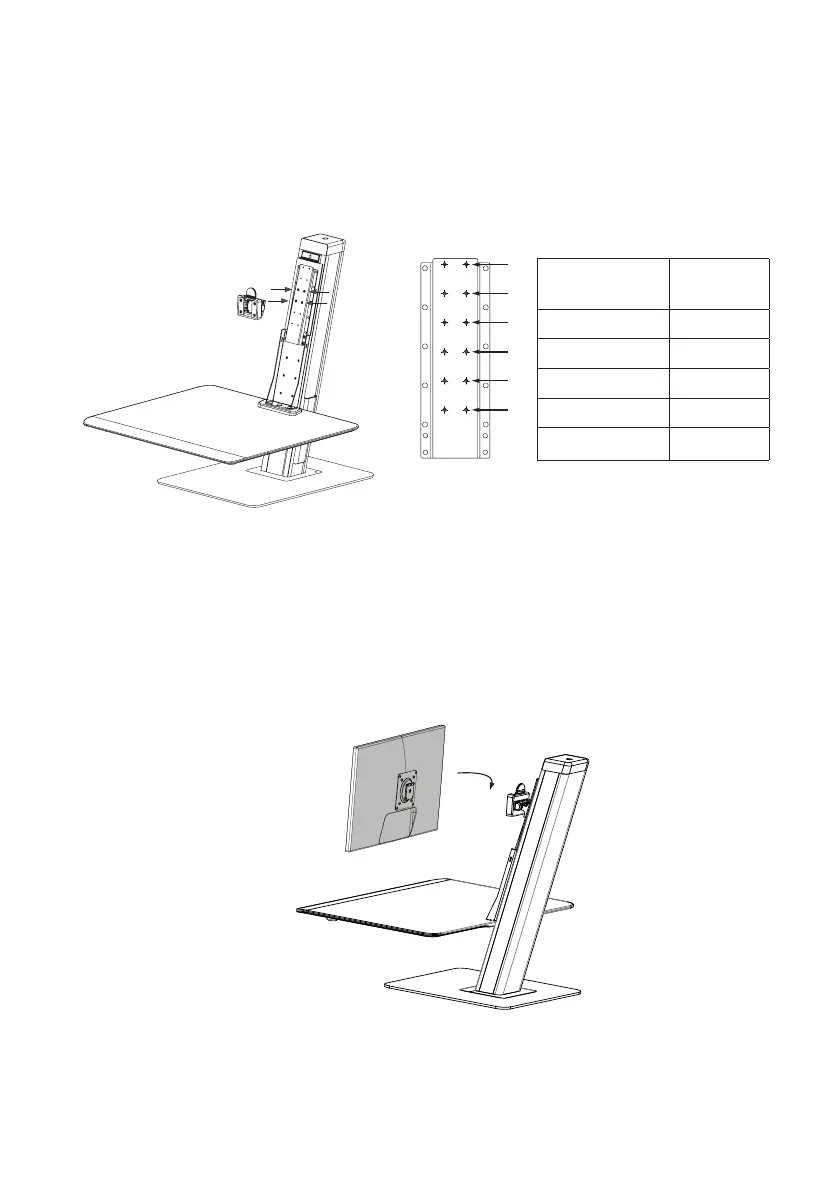
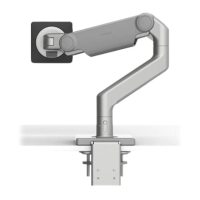
Attach the monitor to the unit by sliding the VESA plate tab in from the top.
NOTE: Total weight of the monitors and items on work surface should not exceed 30lbs.
Adjust Monitor Height
1
Refer to the chart below for recommended position.
To adjust position, remove the 4 screws holding the monitor mount with the 2.5mm hex key.
Relocate the mount to the desired hole numbers and secure with screws.
1
2
3
4
5
6
User Height
(cm/ft)
Use hole
numbers
190cm / 6'-3" 1 & 2
180cm / 5'-11"' 2 & 3
175cm / 5'-9" 3 & 4
170cm / 5'-7" 4 & 5
165cm / 5'-5" 5 & 6


 To Next Page