16
Press (SPEED)tomovebetweenthenumbers.Keeppressing
untilthedigityouwanttochangeisashing.Onceyouhaveselected
the number you want to change, press (INCREASE)or
(DECREASE) to change the number to the desired value.
Set Logging Interval
TosetorchangetheloggingintervalforUSERDEFINEDTESTpress
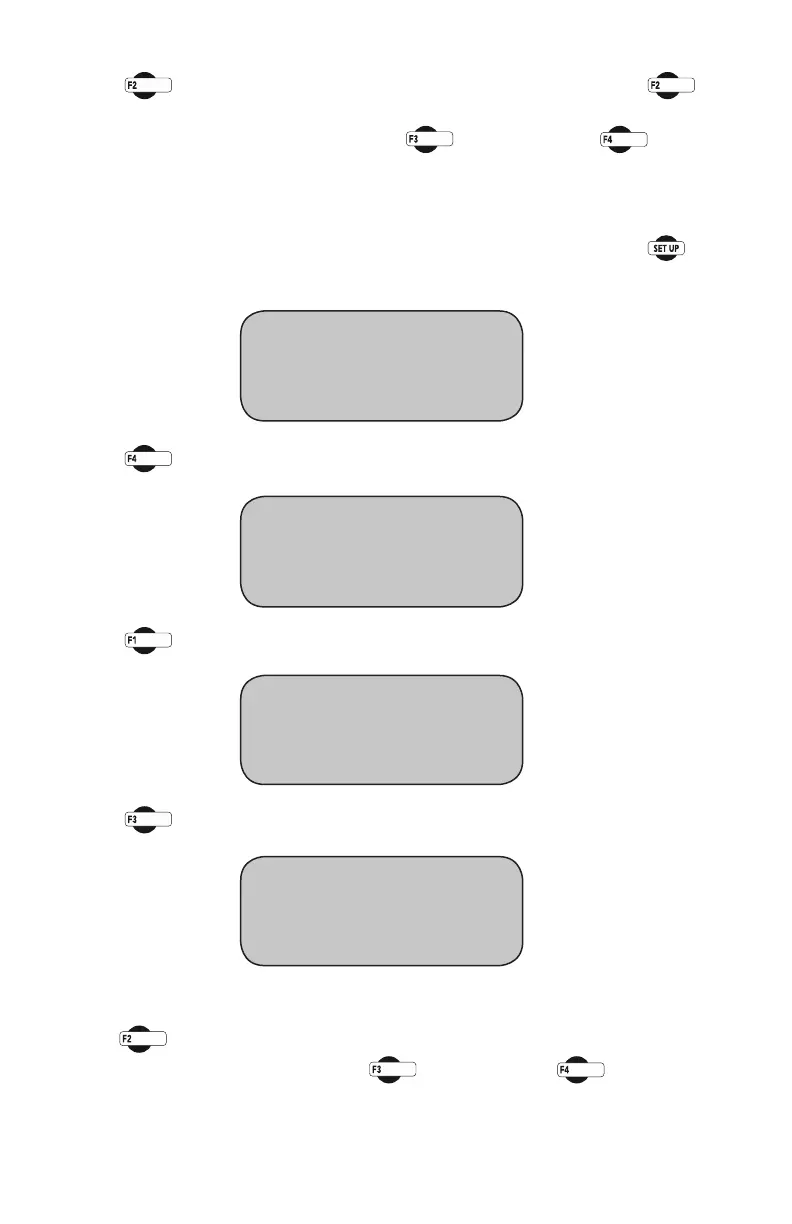
until the following setup screen appears:
Press you will see this screen:
Press (ENGINEERINGSETUP).Youshouldseethisscreen:
Press (LOGGINGINTERVAL).Youshouldseethisscreen:
Press (TIME) to cycle between the hour/minute/second/tenths to
selectthedesiredincrement.Press (INCREASE)to
(DECREASE) to change to the appropriate number
* REVIEW LAST TEST
* RUN TEST
* MORE SETUP
* ENGINEERING SETUP
* SENSOR LIMITS OFF
* RAW_DATA
* MORE SETUP
* CONFIGURATION
* CALIBRATION
* LOGGING INTERVAL
SAMPLE LOGGING TIME
* TIME = HH:MM:SS.T
* INCREASE
* DECREASE


 To Next Page