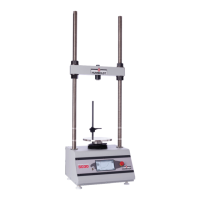
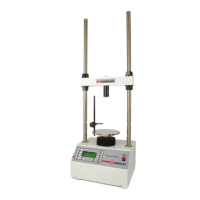
Calibration
This menu item is used to calibrate or verify the calibration of the HM-3000.
WARNING: Calibration should only be performed by trained
personnel with proper, certified equipment. The HM-3000 and
its instrumentation should be calibrated once a year or as the need
arises.
Channel Calibration
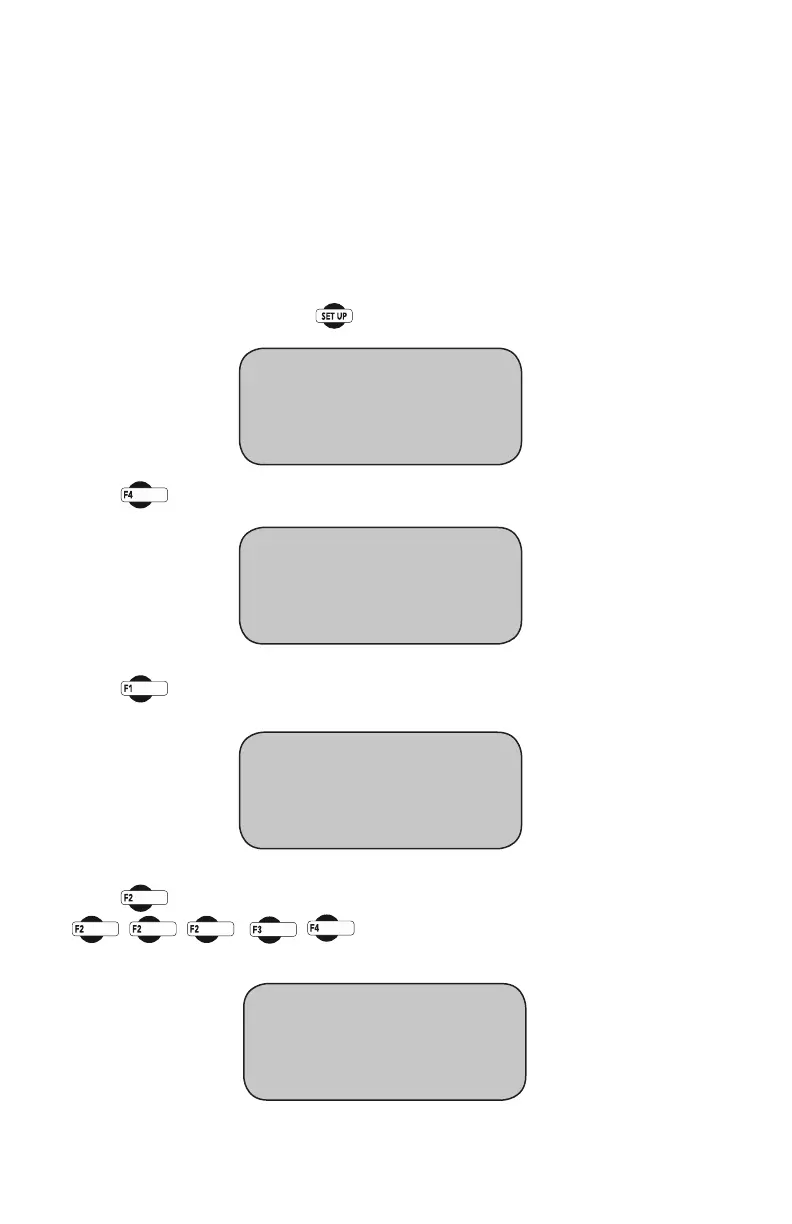
To calibrate a channel, press You should see this screen:
Press you will see this screen:
Press (ENGINEERINGSETUP).Youshouldseethisscreen:
Press (CALIBRATION)Youwillbeaskedforapassword,enter:
You should see this screen:
* REVIEW LAST TEST
* RUN TEST
* MORE SETUP
* ENGINEERING SETUP
* SENSOR LIMITS OFF
* RAW_DATA
* MORE SETUP
* CONFIGURATION
* CALIBRATION
* LOGGING INTERVAL
21
CALIBRATION screen
* SELECT CHANNEL “CH1”
* CALIBRATION CHANNEL
* CLEAR CALIBRATION


 To Next Page