30
Once the load cell has reached its peak load and fallen 2%, the HM-3000 will
stop collecting data and reverse the platen to its down position at the fast
rate 2.0 in/min (50.8mm/min). The peak load will be displayed.
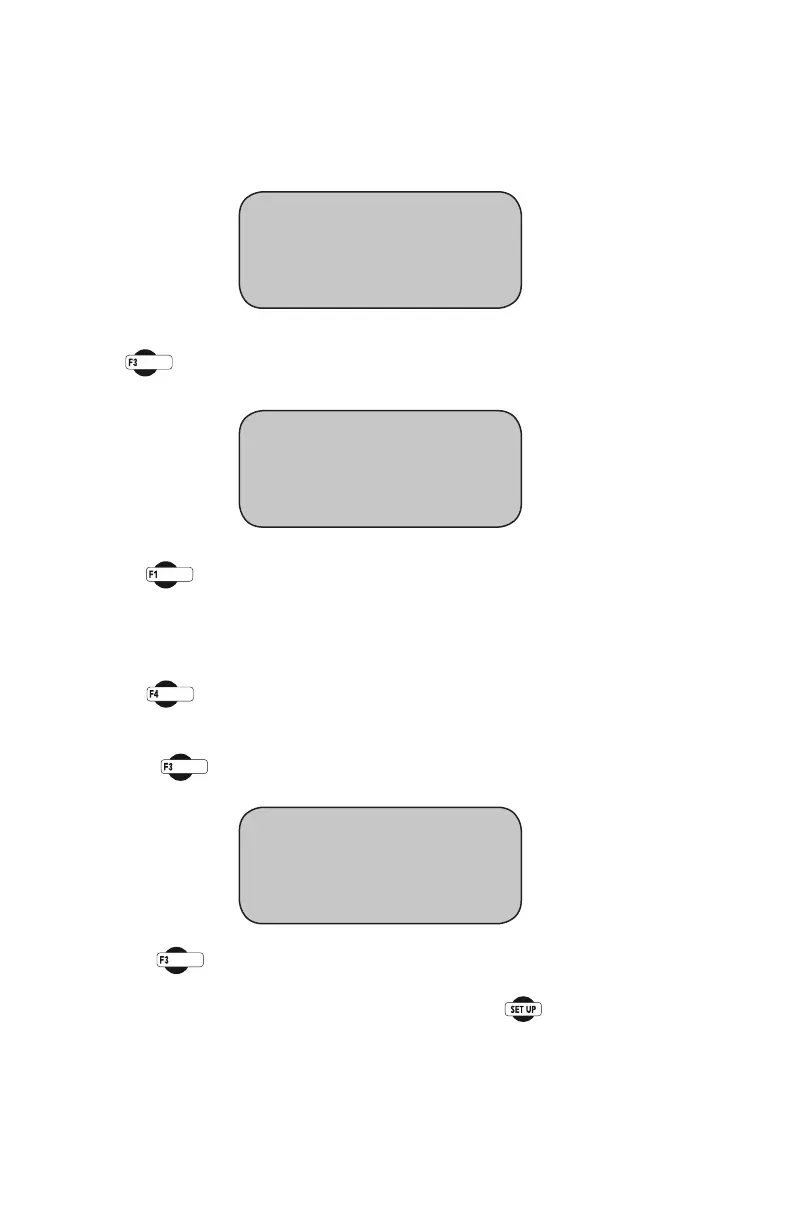
You should see this screen:
Peakvaluesareshownonthersttwolines.Toreviewallthedata,
press (REVIEWDATA).Youshouldseethisscreen:
Pressing (PRINTDATA)willprintthedatatoaprinterorsaveale
in ASCII mode to your computer using Humboldt Material testing Soft-
ware(HMTS)orWindowsHyperterminal.Oncethedatahasbeenprinted
or transferred, you can begin another test after you have loaded another
sample and raised the head to the start position, close to the load cell. by
pressing (RUNTEST).
If you don’t have a printer or a computer connected to the HM-3000, you
can press (SCROLL DATA) to scroll the data. You should see this
screen:
Using the (NEXT)keytoscrollthroughthereadings.
To return to any prior screen you can always press
LOAD 1 PEAK “#”
DISP 1 PEAK “#”
* REVIEW DATA
* RUN TEST
* PRINT DATA
* SCROLL DATA
* RUN TEST
LOAD 1 VALUE
DISP 1 VALUE
* NEXT READING 1


 To Next Page