73
Combo Views
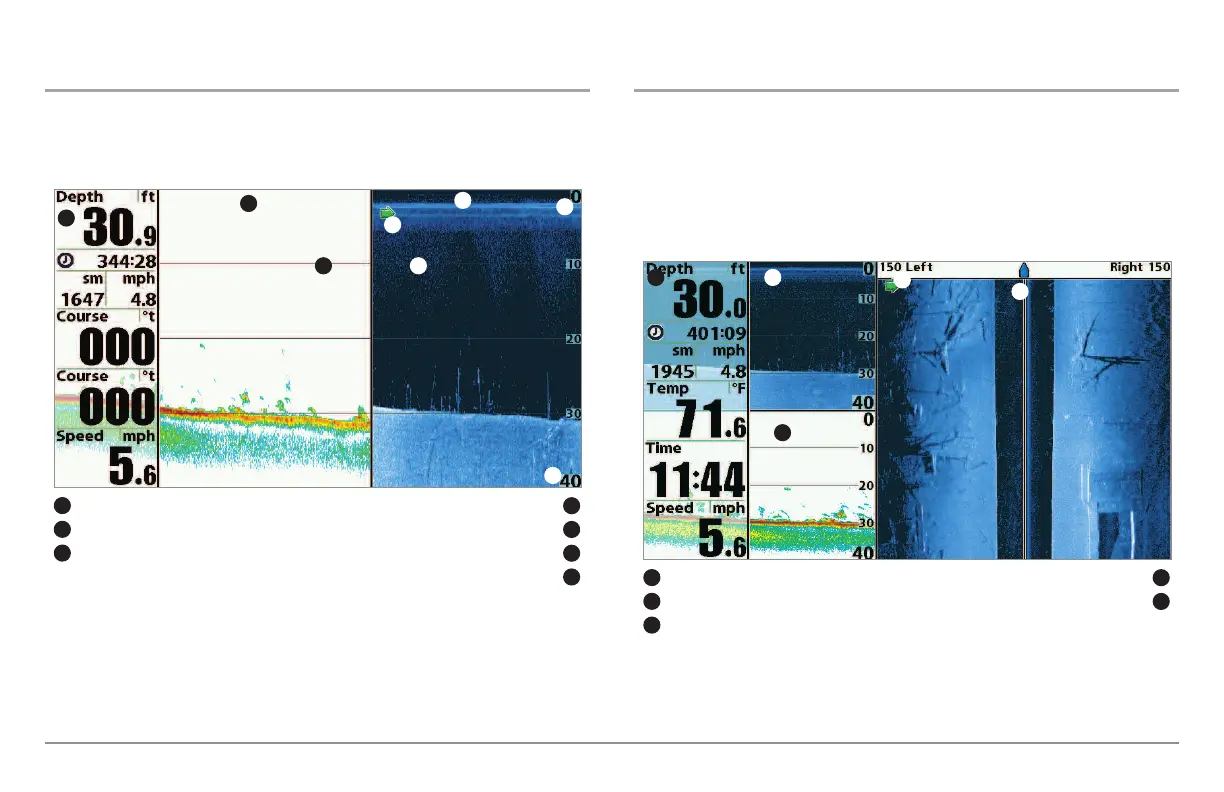
Down Imaging™/Sonar Combo View
(898c SI and 998c SI only)
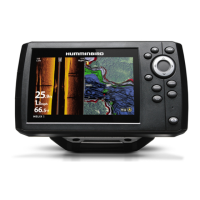
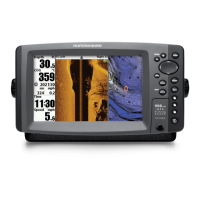
Down Imaging™/Sonar Combo View shows traditional Sonar information
on the left and Down Imaging™ sonar information on the right.
Down Imaging™/Side Imaging®/Sonar Combo View
(898c SI and 998c SI only)
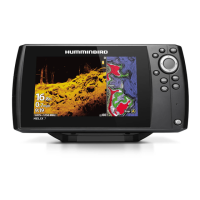
Down/Side Imaging/Sonar Combo View shows Down Imaging™ and
traditional Sonar information on the left side of the screen, and Side
Imaging® on the right side of the screen. If you use the active cursor on the
left side of the screen, a cursor will appear in both the Sonar and Down
Imaging™ views.
Down Imaging™/Side Imaging®/Sonar Combo View
Digital Readouts Side Imaging® View Window
1
4
Sonar View Window
5
Green Arrow: Active Side
3
1
5
3
Down Imaging™ View Window
2
2
4
Down Imaging™/Sonar Combo View
Digital Readouts Green Arrow: Active Side
1
4
Depth Lines
5
Down Imaging™ View Window Upper Depth Range
3
6
Lower Depth Range
7
1
2
5 5
4
Sonar View Window
2
7
3
6




 To Next Page