MARKING WAYPOINTS, ROUTES, AND TRACKS WITH FISHSMART
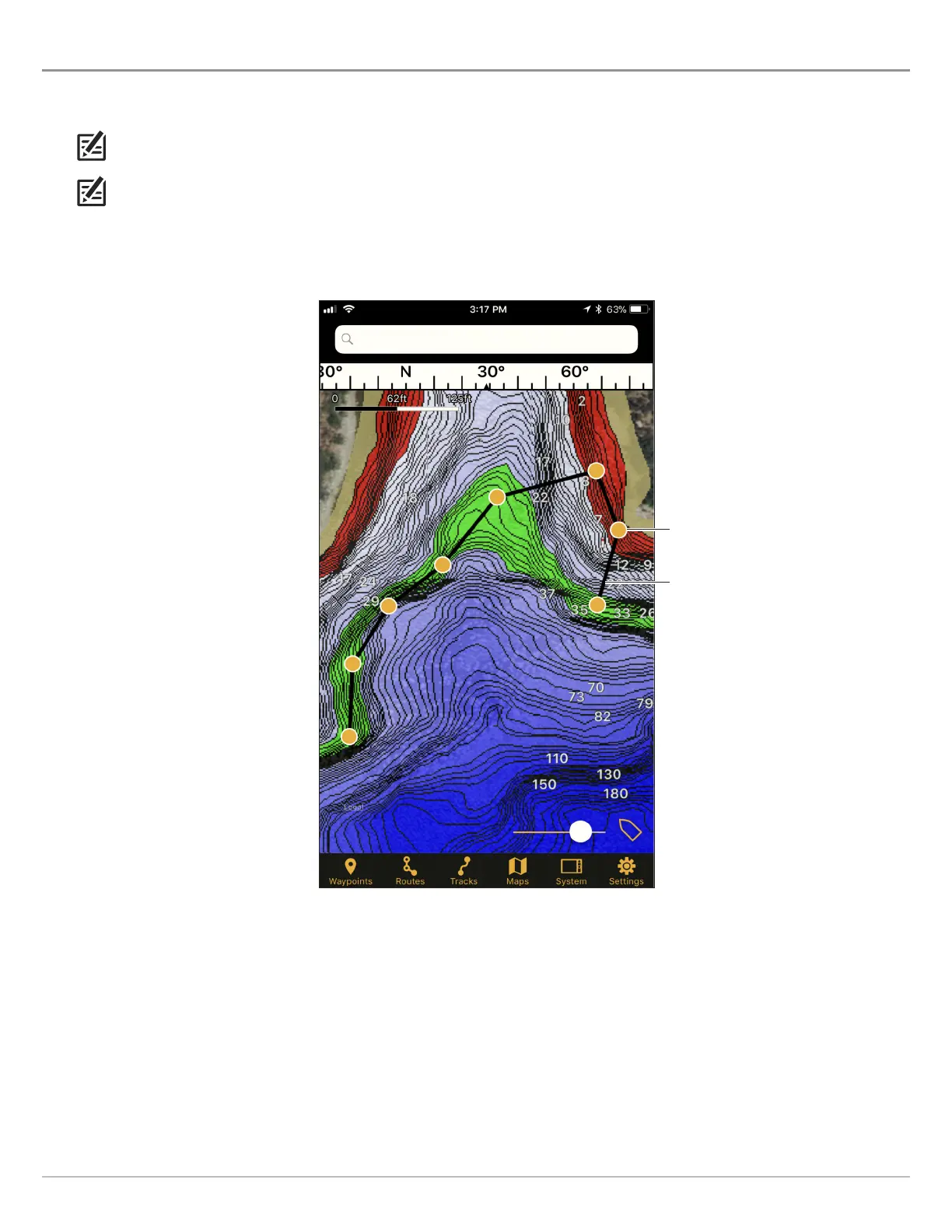
Use the instructions in the following section to create waypoints, routes, and tracks using FishSmart on your mobile device. You can
export saved navigation data as .GPX files that can be saved to SD or microSD cards to use on your Humminbird control head.
N
OTE: Wi-Fi or cellular data must be enabled on your mobile device to download purchased charts and share navigation data.
Location Services must also be enabled for GPS tracking.
NOTE: Refer to your control head operations manual for more information about waypoints, routes, and tracks.
waypoint icon
(orange dot)
saved route
(black line)
Marking Waypoints, Routes, and Tracks
(Apple iPhone)
25
Marking Waypoints, Routes, and Tracks










 To Next Page