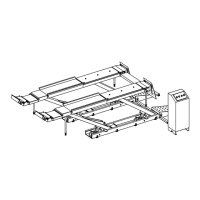
plate to control the status of slip plates. The status of slip plate is indicated by the glowing green LED located next to the
image of the free slip plate or the locked slip plate.
2.6. Inflation Station (Optional)
Keypad controls for the Inaon Staon system are located in the lower-middle secon of the control panel.
Tire Pressure Adjustment
NOTE
I
naon staon provides pressure adjustment for inated res. Inial re pressure must be at least 8 PSI (0.6
bar).
Connect the air line(s) to the vehicle. Use the adjustment control arrows on either side of the pressure displays to set the
desired re pressure for each axle. Each re has a LED indicator to provide status informaon: RED – Air line disconnected
during adjustment. YELLOW – Tire pressure currently adjusng. GREEN – Tire pressure is adjusted correctly. Aer each
status indicator has turned green, the air lines may be removed from the vehicle. The “Stop Fill” buon may be pressed at
any me to immediately stop re pressure adjustments.
Operation Instructions
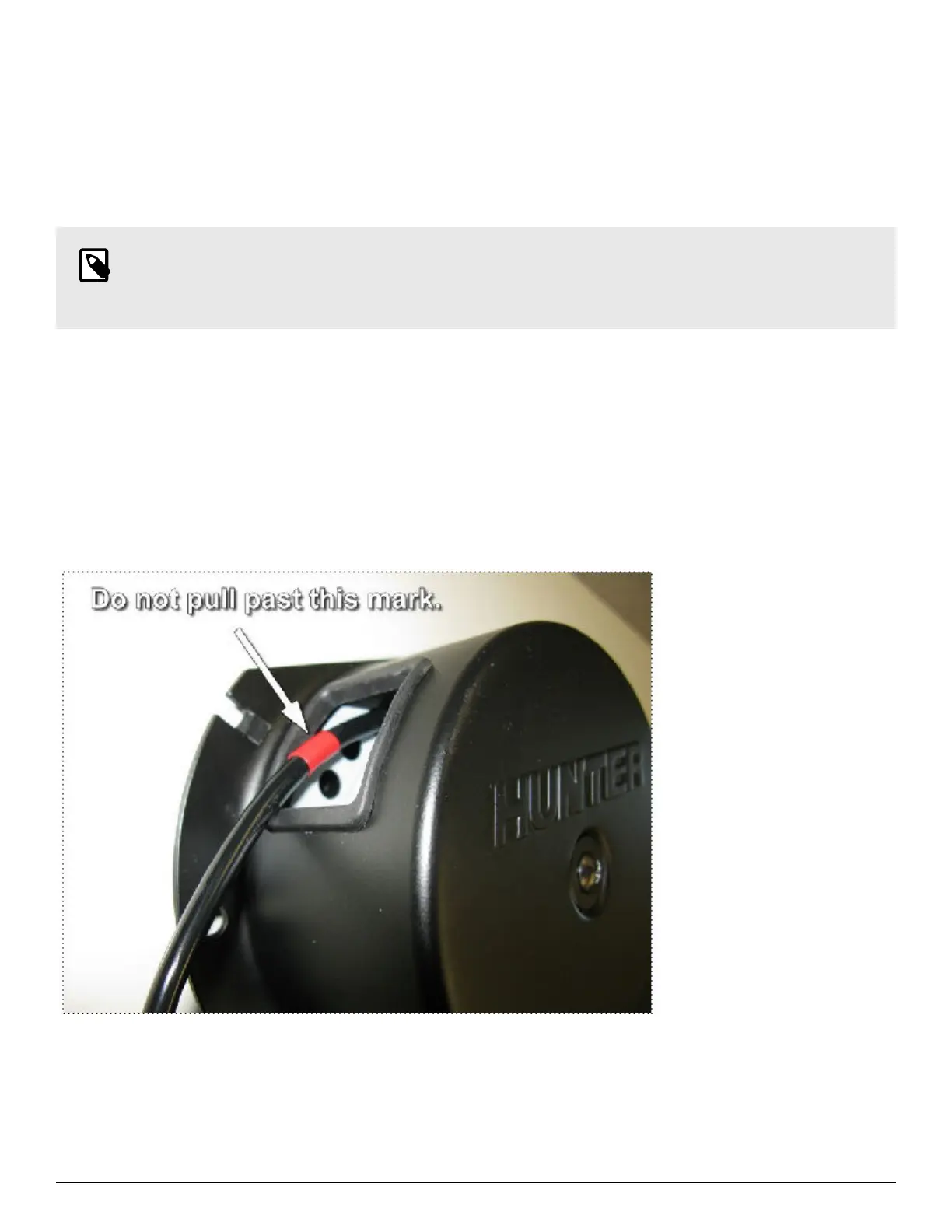
Pull the hose gently; it should lock automacally when you stop pulling. Do not pull the hose with excessive force greater
than 6 lbs. Do not pull the hose out past the red marked area, approximately 7 Inches from the end.
Retract by pulling the hose for a short stroke of approximately 2 inches. Hose should not be allowed to retract freely.
Uncontrolled retracon will result in damage to the reel, may cause injury and will void warranty. Keep the hose clean. Oil,
dirt, grease, water or other foreign contaminants on the hose will foul the retract mechanism and result in malfuncon.
In the event the hose is pulled to the end and will not retract,. DO NOT PULL. Insert screw driver to move the internal
reel forward in the pulling direcon about 1/2” or so to reset the retract mechanism. DO NOT aempt to “rewind” the
internal reel by reversing it. This will fatally damage the reel and void the warranty. HOLD the hose while retracng; sudden
retracon of the hose can cause injury and malfunconing.
4-Post Lift Rack Models L451 & 454 Operations Manual
Page 21 of 28


 To Next Page